
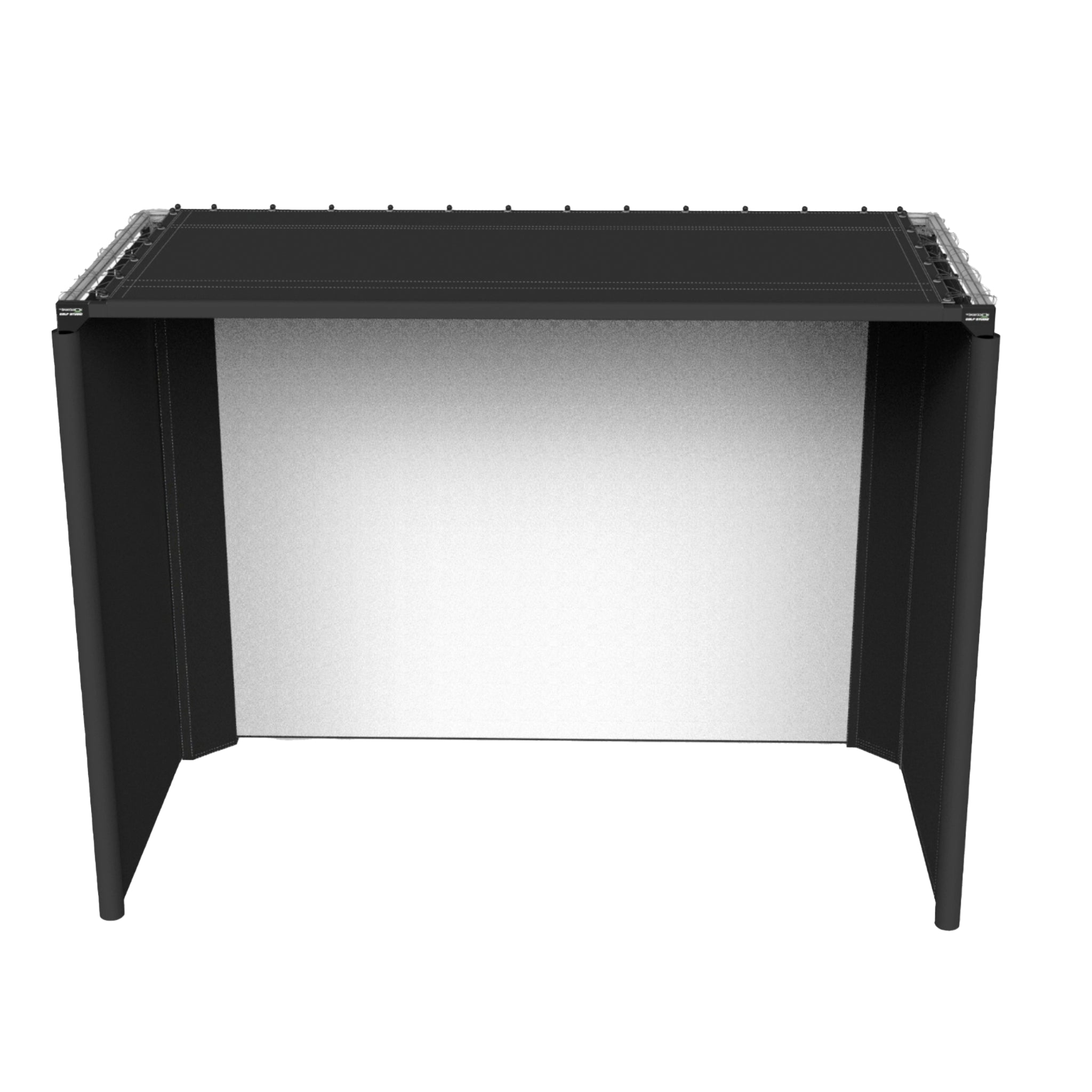
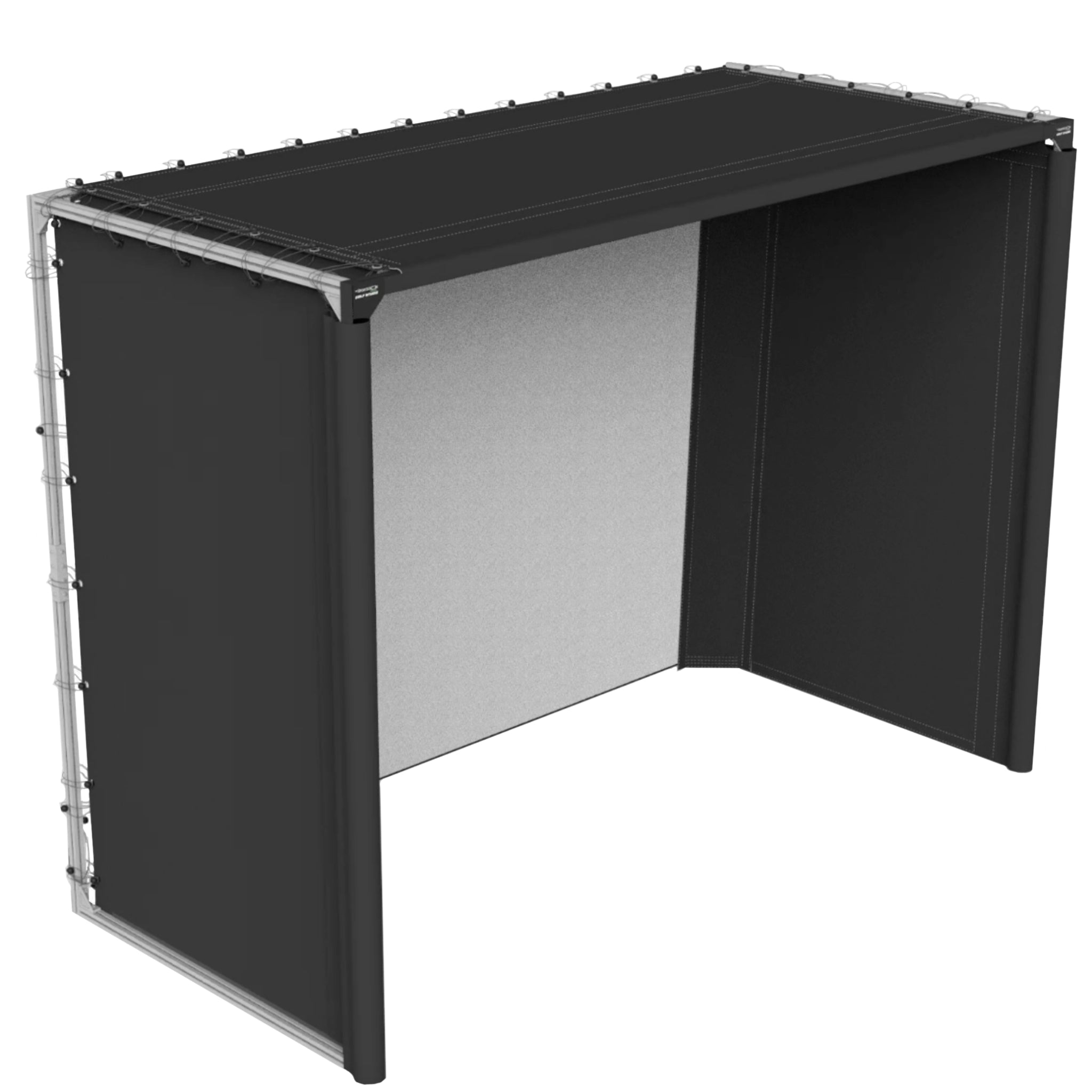
The SportScreen Parlour Series Golf Enclosure
Got Questions?
Email: support@simulatordirect.com
Phone: (714) 202-9416
Choose options
- Description
- Product Features
- Product Information
- What's Included
- Product Specifications
- Product Installation Guide
- FAQ's
- Shipping Policy
- Refund & Return Policy
The SportScreen Parlour Series Golf Enclosure
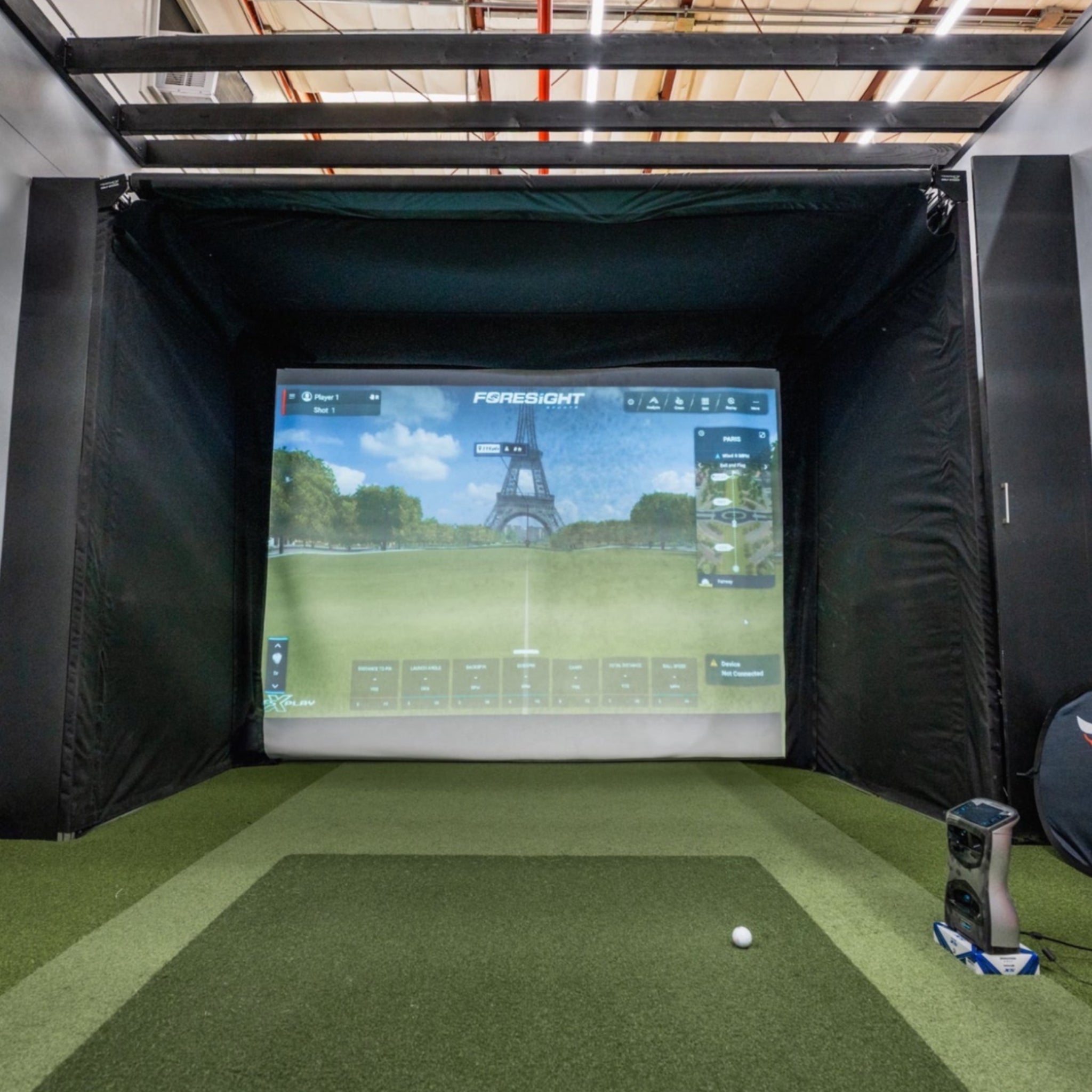
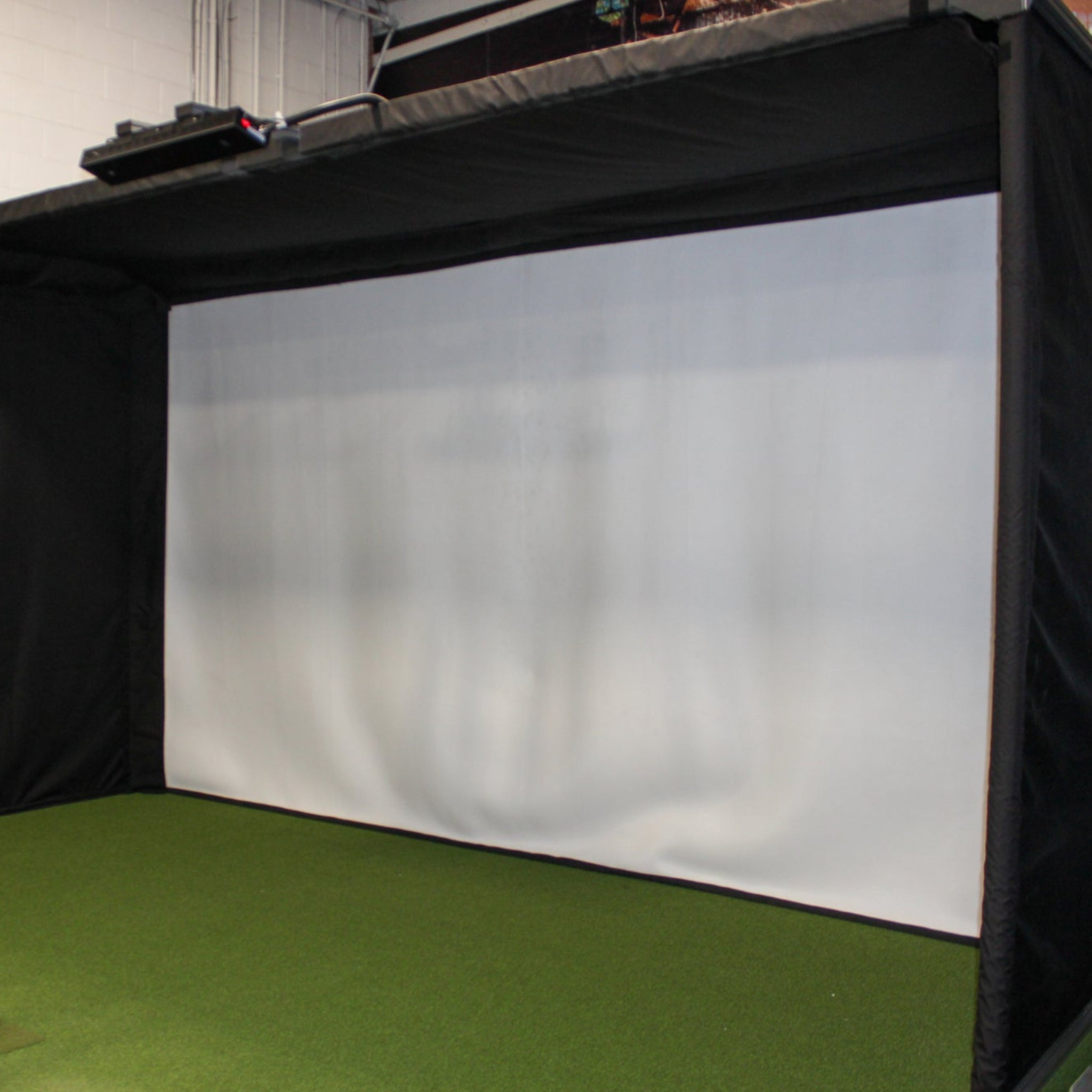
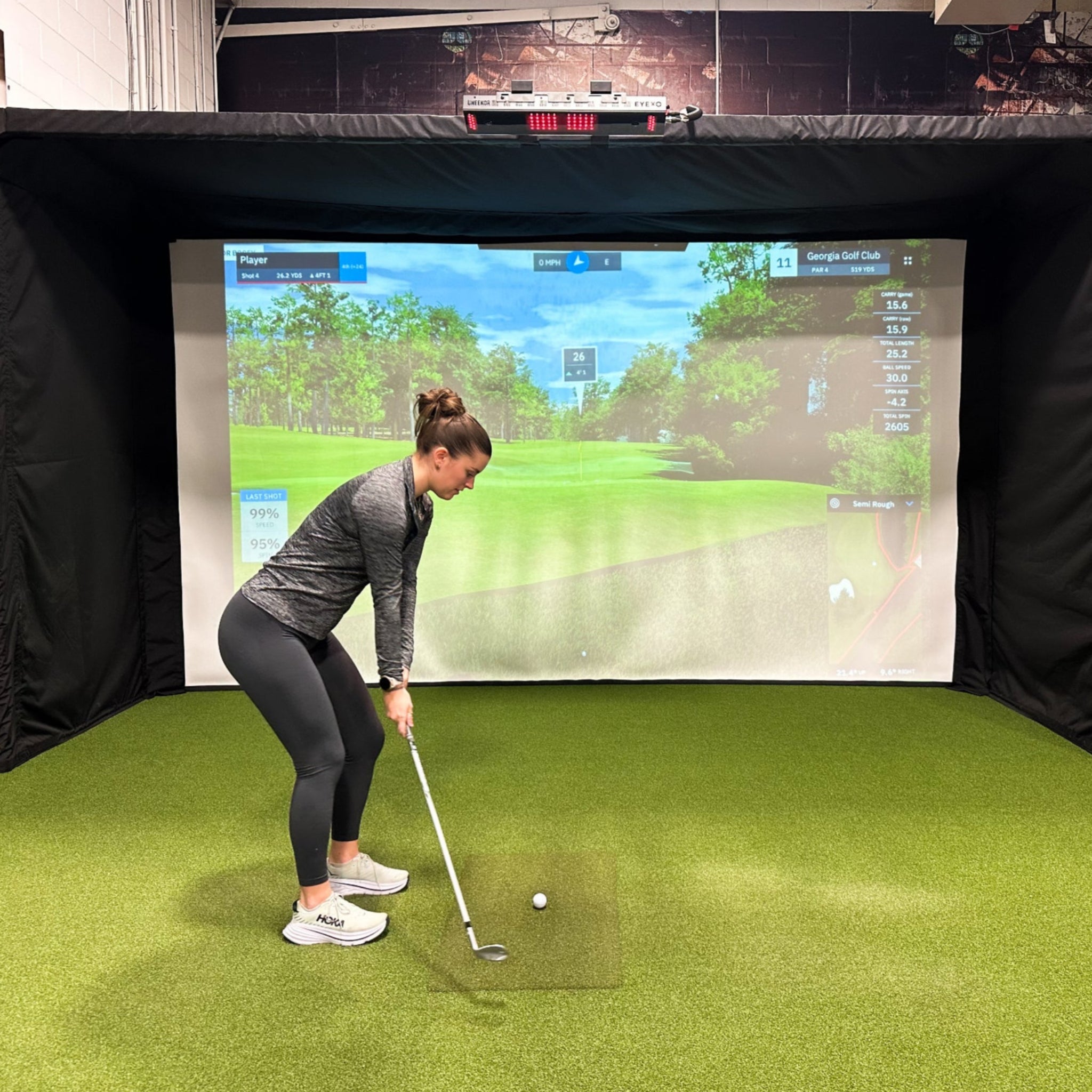
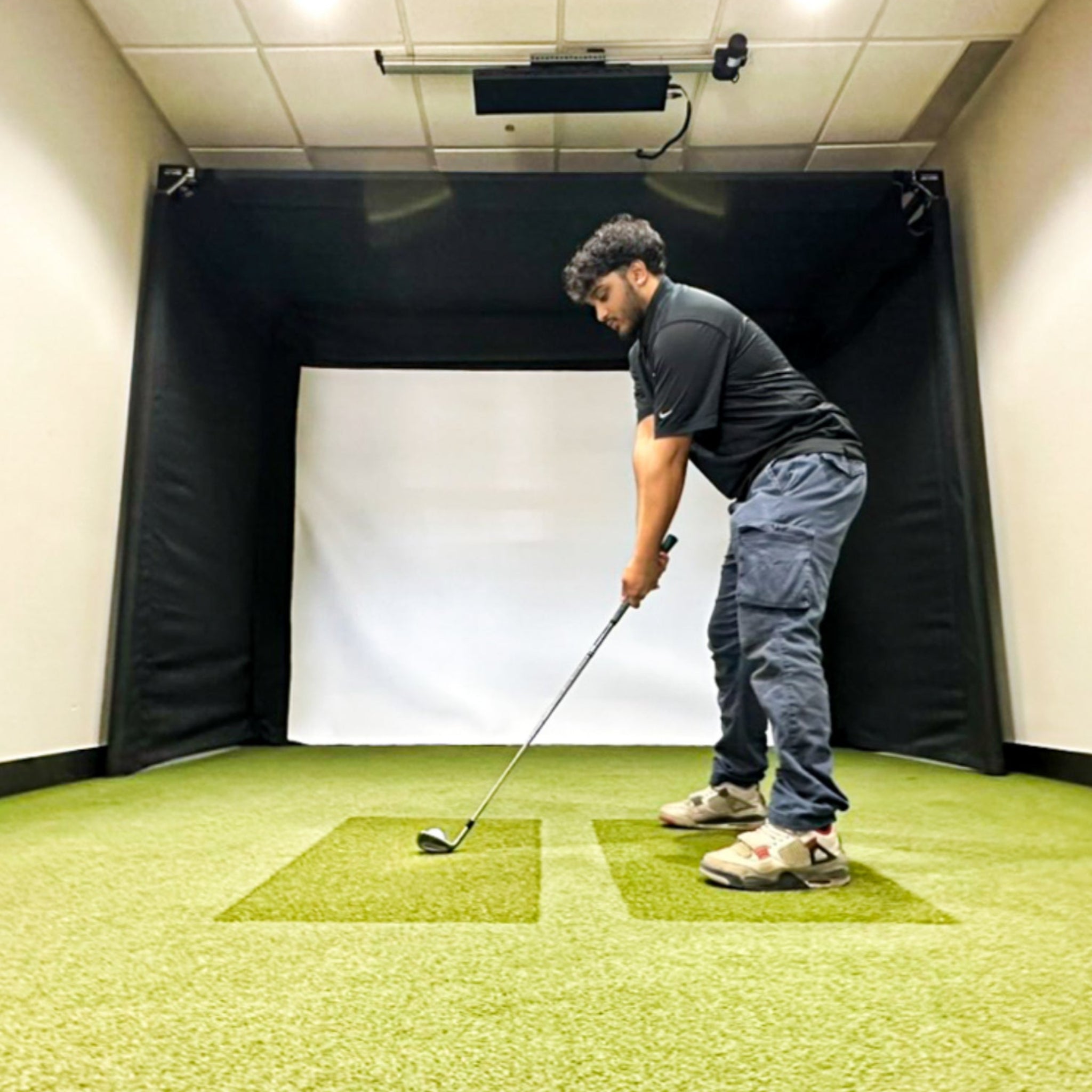
The Parlour Series by The SportScreen is a premium freestanding golf enclosure designed for golfers who want a realistic indoor simulator experience without needing permanent wall or ceiling installation. Built with durability, flexibility, and long-term value in mind, it is a strong option for home setups, commercial spaces, and multipurpose rooms.
Because the Parlour Series is freestanding, it is especially useful for customers who cannot mount equipment to walls or ceilings. The lightweight aluminum frame is easy to assemble, strong enough for regular golf simulator use, and can be moved after assembly when needed.
With custom sizing available, durable construction-grade materials, and compatibility with many popular launch monitors and projectors, the Parlour Series gives you a clean, professional simulator bay without the complexity of a permanent built-in installation.

Product Features
Freestanding Golf Simulator Enclosure for Flexible Spaces
-
Freestanding Design: Ideal for spaces where wall or ceiling mounting is not possible.
- No drilling into walls is required.
- Great for garages, basements, rental spaces, commercial rooms, and multipurpose areas.
-
Durable Aluminum Frame: Built with a strong 4040 aluminum frame designed for long-term use.
- Provides a sturdy structure while remaining lighter than many permanent frame systems.
- Lifetime frame warranty provides added peace of mind.
-
Construction-Grade Screen Materials: Built to contain high-velocity golf shots in a simulator environment.
- Designed for repeated indoor golf use.
- Helps create a safer and more controlled hitting bay.
-
Corner Protection: Reinforced corner protection helps keep golf balls inside the enclosure.
- Helps protect surrounding walls and room surfaces.
- Improves safety around the enclosure perimeter.
-
Custom Sizing Available: Standard sizes are available, with custom sizing options for unique room dimensions.
- Helpful for customers working around ceiling height, wall width, or room depth limitations.
-
Launch Monitor and Projector Friendly: Designed to work with many popular simulator systems.
- Compatible with common launch monitors such as SkyTrak, GCQuad, TrackMan, FlightScope, and other systems depending on room layout.
- Projector and launch monitor placement should always be confirmed based on your specific equipment requirements.
-
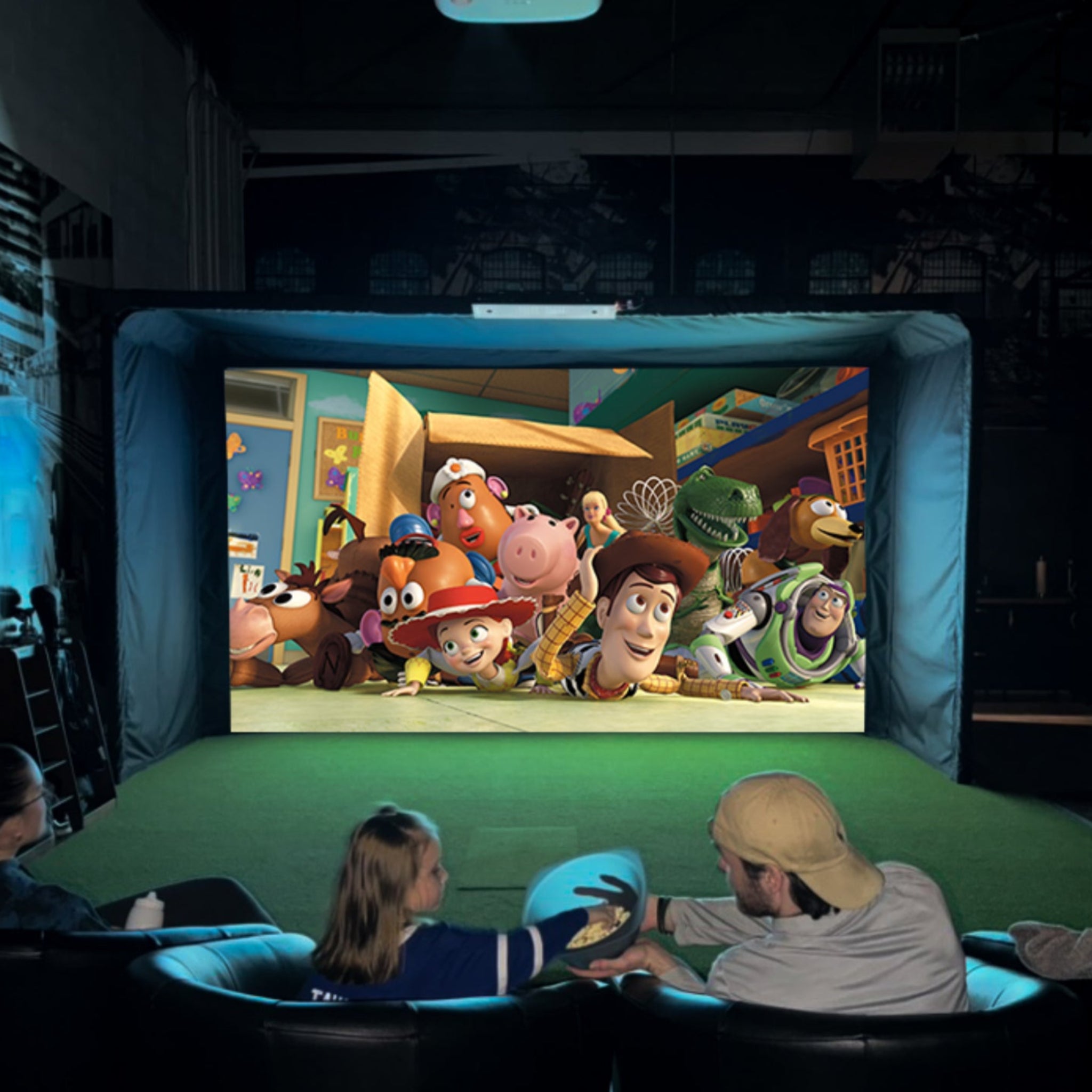
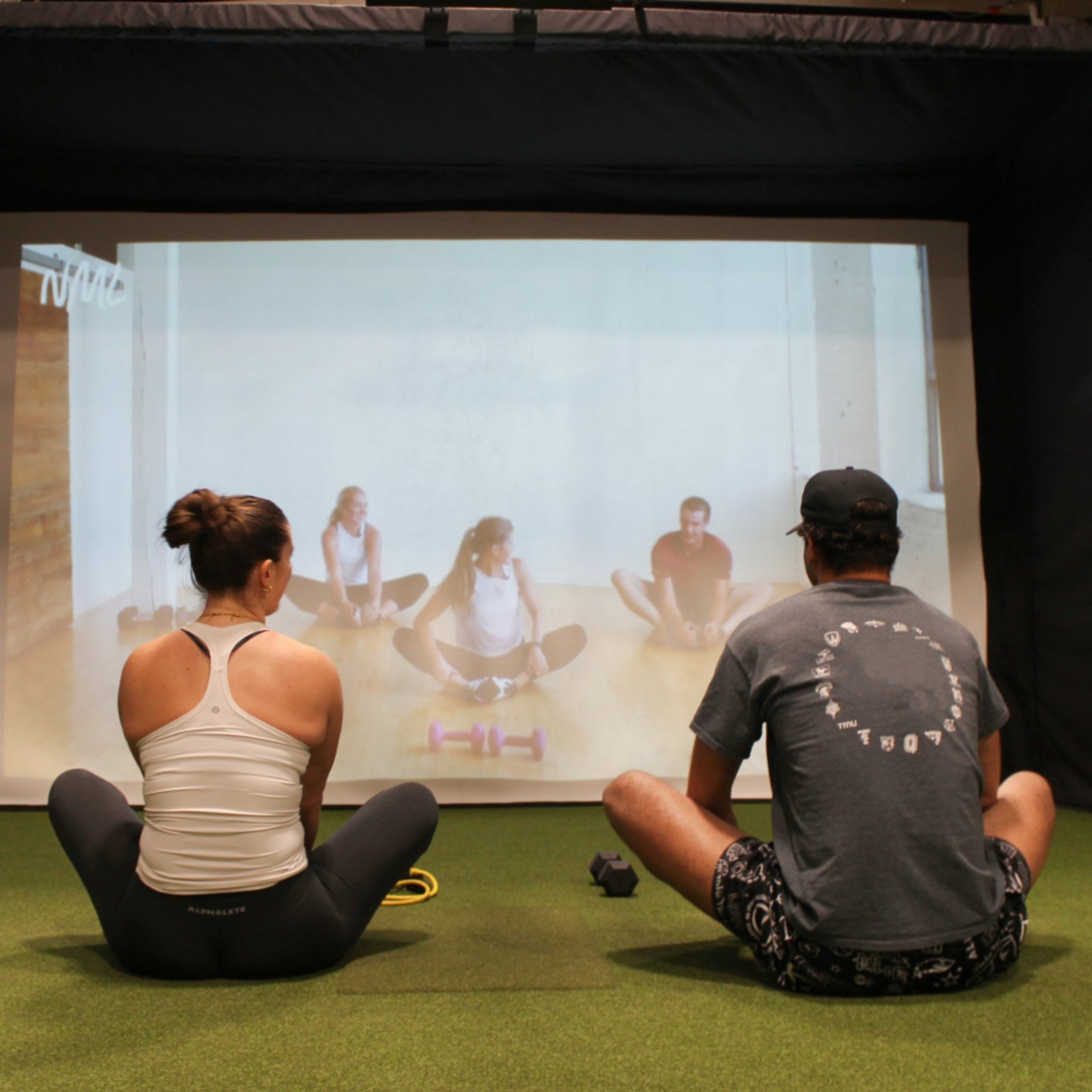
Multipurpose Functionality: More than just a golf enclosure.
- Can be used for home theater, gaming, VR, exercise, and family entertainment when paired with the right accessories.
- Great for customers who want one room to serve multiple purposes.
Product Video
Product Information
- Freestanding setup: A strong alternative when walls are not close enough for a retractable system or when permanent mounting is not preferred.
- Durable frame: Aluminum frame is built for long-term use and easy assembly.
- Lifetime frame warranty: The frame is backed by a lifetime warranty.
- 2-year limited warranty: Remaining components are covered by a 2-year limited warranty against defects in materials and workmanship.
- Custom sizing: Available for unique spaces and room layouts.
- No power tools required: Power tools are not required for assembly, although they may help speed up installation.
- No white-space projection design: Designed to maximize projection area based on the selected model and projector setup.
SportScreen Golf Studio Model Comparison
| Vanish Series | Parlour Series |
|---|---|
|
|
| Bonus Uses: Home theater, VR room, family entertainment, privacy screen depending on placement, exercise space, and multipurpose room transformation. | |
What's Included

-
Frame Structure
- Freestanding aluminum frame structure for the selected Parlour model.
-
Impact Support Membrane / Blackout Screen
- Rear screen layer designed to support impact absorption and improve projection contrast.
-
Impact Screen
- Main hitting and projection surface.
-
Two Side Screens
- Helps contain side shots and complete the enclosure.
-
Ceiling Panel
- Provides overhead protection and a more enclosed simulator bay.
-
Two Corner Strips
- Helps reinforce corners and reduce exposed gaps.
-
Two Side Baffles
- Additional side protection for mishits and shot containment.
-
One Front Baffle
- Helps improve overhead and front-edge protection.
-
Brackets and Installation Hardware
- Included hardware supports standard assembly and setup.
Not Included: Launch monitor, computer, projector, turf, hitting mat, golf simulator software, and other simulator accessories are sold separately unless specifically included with your selected product configuration.
Product Specifications
| Model | Enclosure Width | Enclosure Depth | Enclosure Height | Recommended Room Space |
|---|---|---|---|---|
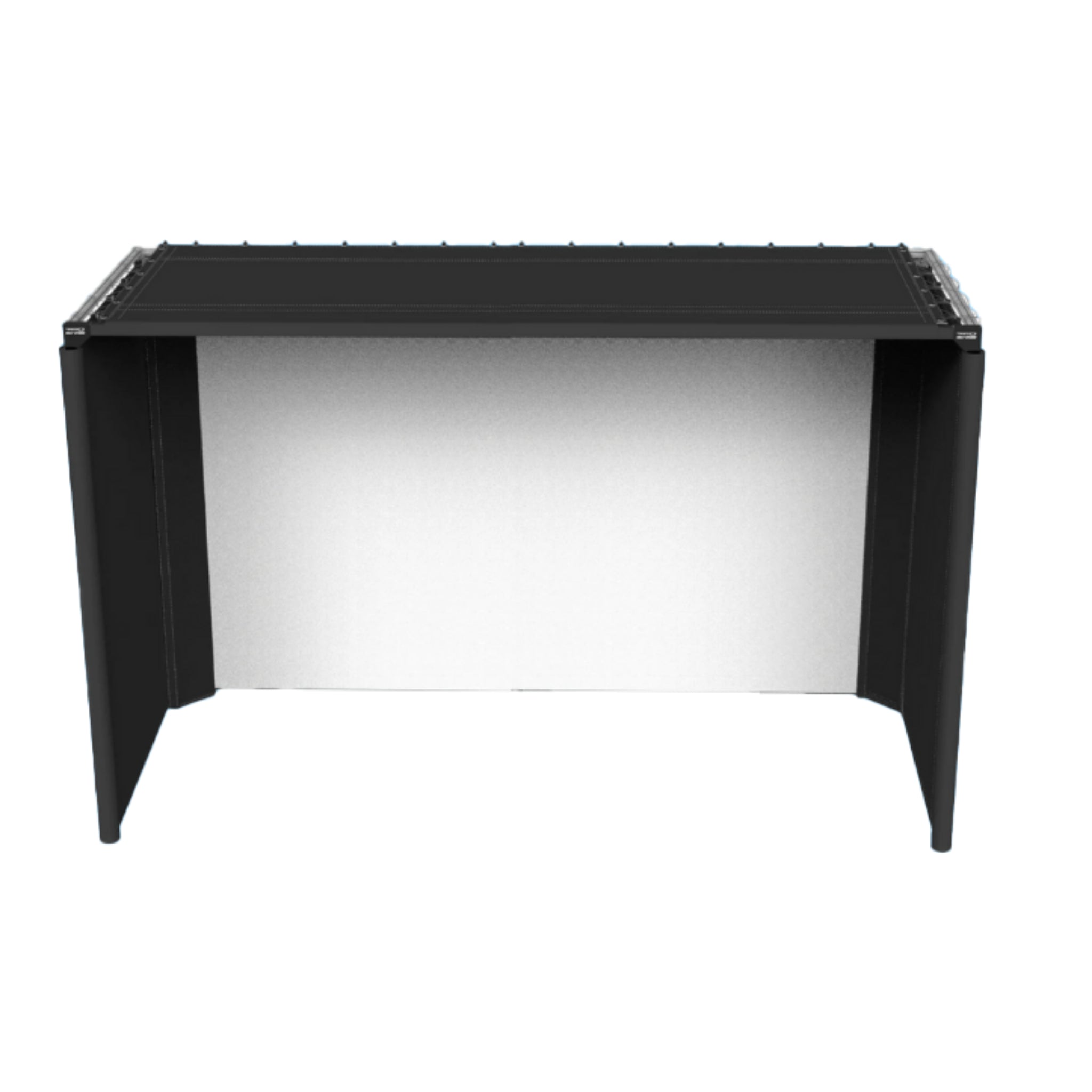
| Parlour 11 | 136” | 66” | 8.5 ft / 102” | Minimum 9 ft ceiling height, 12 ft room width, and up to 17 ft room length |
| Parlour 13H | 151” | 66” | 9.5 ft / 114” | Minimum 10 ft ceiling height, 13.3 ft room width, and up to 17 ft room length |
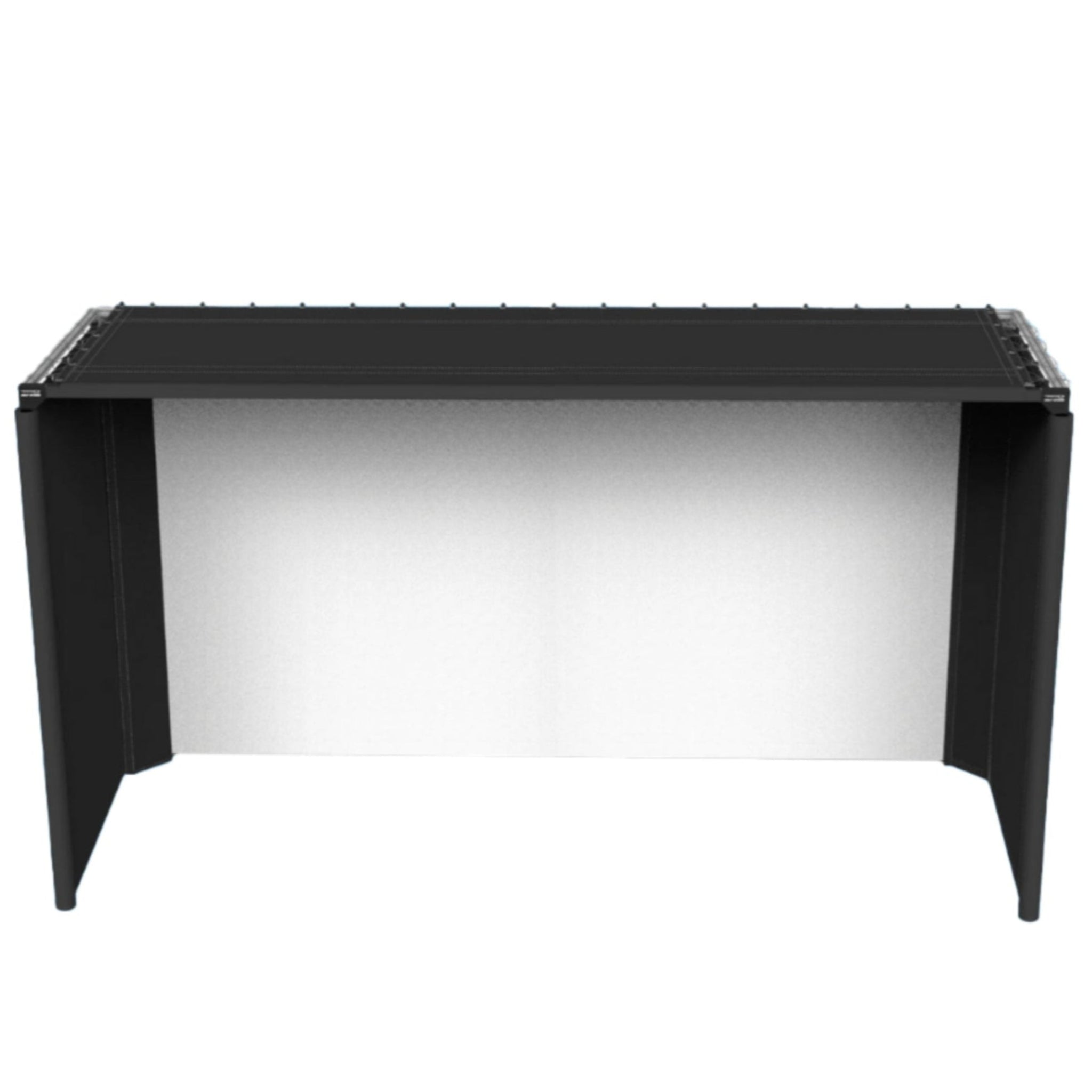
| Parlour 16H | 198” | 66” | 9.5 ft / 114” | Minimum 10 ft ceiling height, 17 ft room width, and up to 17 ft room length |
Parlour 11 Dimensions

Parlour 13H Dimensions

Parlour 16H Dimensions

Product Installation Guide
Installing the Parlour Series enclosure is designed to be straightforward. Review the user guides and installation videos before assembly so you can plan your room layout, confirm clearances, and prepare any tools you may want to use.
-
Rear Clearance: Place the Parlour at least 6 inches away from the wall behind it.
- This helps protect the surface behind the enclosure and allows room for impact movement.
-
Side Clearance: Maintain at least 4 inches from side walls.
- This helps with assembly, safety, and overall fitment.
-
Hitting Distance: Most users hit from approximately 8 to 10 feet away from the impact screen.
- Final hitting position depends on your launch monitor, projector, room depth, and comfort level.
-
Assembly Tools: Power tools are not required.
- Power tools may help speed up assembly, but the Parlour Series can be assembled without them.
Product Manual and User Guides
Parlour Series Installation Videos
Frequently Asked Questions
Q. How far off the wall should I place my Parlour enclosure? Click to expand ▼
A. The Parlour should sit at least 6 inches off the wall behind it to help protect the surface behind the enclosure. A minimum of 4 inches off side walls is also recommended.
Q. Are power tools required to assemble the Parlour Series? Click to expand ▼
A. No. Power tools are not required for Parlour Studio assembly. They are optional and may help speed up the setup process.
Q. What are the room space requirements for the Parlour Series? Click to expand ▼
A. Room requirements vary by model:
- Parlour 11: Minimum 9 ft ceiling height, 12 ft room width, and up to 17 ft room length.
- Parlour 13H: Minimum 10 ft ceiling height, 13.3 ft room width, and up to 17 ft room length.
- Parlour 16H: Minimum 10 ft ceiling height, 17 ft room width, and up to 17 ft room length.
Q. What are the exact dimensions of the Parlour units? Click to expand ▼
A. The enclosure dimensions are:
- Parlour 11: 136” wide, 66” deep, and 102” tall.
- Parlour 13H: 151” wide, 66” deep, and 114” tall.
- Parlour 16H: 198” wide, 66” deep, and 114” tall.
Q. What is the difference between 4:3 and 16:9 projection ratio? Click to expand ▼
A. Both projection formats can work well depending on your projector and screen setup. A 16:9 image is commonly associated with a wider, more modern display format, while 4:3 can provide more vertical image coverage. Overall clarity depends on projector quality, resolution, brightness, placement, and screen size.
Q. What is the difference between 16 and 16H models? Click to expand ▼
A. Models marked with an “H” feature increased height while maintaining a similar width category. The extra height can improve projection layout and provide a taller screen area for a more immersive image.
Q. How far should the golfer hit from the enclosure? Click to expand ▼
A. The hitting area can vary depending on launch monitor and projector placement. In most setups, golfers are positioned approximately 8 to 10 feet from the impact screen.
Q. What is the purpose of the blackout screen? Click to expand ▼
A. The rear impact support membrane, also called the blackout screen, helps reduce impact screen wear, improve projection contrast, reduce bounce-back, protect seams, prevent balls from slipping behind the enclosure, and reduce noise.
Note: Rear impact support membranes and blackout screens may wear faster than the main impact screen because they help absorb shots and reduce wear on the impact screen.
Q. Is the Parlour Series compatible with launch monitors? Click to expand ▼
A. Yes. The Parlour Series can work with many popular launch monitors, including SkyTrak, GCQuad, TrackMan, FlightScope, and others. Final compatibility depends on the launch monitor’s required hitting distance, placement, ceiling height, and room layout.
Q. Can the Parlour Series be used for more than golf? Click to expand ▼
A. Yes. With the right projector and accessories, it can also be used for movies, sports viewing, VR, gaming, exercise, and other entertainment uses.
Shipping Information
- Orders are shipped using a variety of carriers, selected based on the best available rates and delivery options.
- Free shipping is available to Canada and the contiguous United States.
- Shipping charges may apply to all other regions.
- Tracking information will be provided once your order has been processed and shipped.
- Estimated processing lead times before courier transit:
- Golf Studios: 1–7 business days
- Standard SportScreens: 1–3 business days
- Custom SportScreens and Custom Golf Studios: 10–15 business days
- Lead time begins from the date dimensions are confirmed, or from order placement if dimensions are already provided.
- Courier transit times may vary depending on the carrier, destination, and delivery conditions.
- Lead times may increase during peak seasons or periods of high order volume.
Delivery Issues
- If your package is delayed, missing, or not received, please contact the carrier directly using the details provided in your shipping confirmation email.
- If a package is officially declared lost by the carrier, The SportScreen will re-ship your order.
- If you are unable to resolve the issue with the carrier, please contact support@simulatordirect.com for assistance.
Re-Delivery Costs
- Once tracking information has been provided, customers are responsible for monitoring their shipment and delivery status.
- If a delivery attempt fails and requires re-delivery, any additional expenses are the responsibility of the customer.
- The SportScreen is not responsible for re-delivery costs if the customer was unavailable to receive the package.
Tariffs, Customs & Additional Fees
- For shipments within North America, The SportScreen typically covers tariff and brokerage fees.
- However, due to sudden changes in border regulations, customers may occasionally be responsible for import/export duties, customs fees, or taxes.
- For shipments outside North America:
- Customers are fully responsible for all duties, customs charges, taxes, and brokerage fees.
- For shipments to the United States:
- Customers may be asked to provide an SSN, Tax ID, ITIN, EIN, or IRS number to support customs clearance.
- This information is used solely for customs paperwork and will be destroyed upon successful delivery.
Shipping Restrictions
- We do not ship to PO boxes.
- All shipping charges are non-refundable.
- Return shipping costs are the responsibility of the customer.
Return & Refund Policy
- 30-day return window for unused products. Customer is responsible for return shipping and any applicable fees.
- Non-refundable charges: Shipping, brokerage, tariffs, customs, and taxes are non-refundable.
- Administration fee: A 5% administration fee applies to cancellations requested before shipping.
- Restocking fee: Approved returns are subject to a 35% restocking fee based on product value.
- Refund amount equals 65% of the product value.
- Any tariffs, customs charges, taxes, brokerage fees, or related fees incurred will not be refunded.
- Customer is responsible for all return shipping costs, including shipping charges, brokerage fees, tariffs, taxes, and customs fees.
- The SportScreen is not responsible for incorrect sizing caused by customer measurement error.
- Returns due to customer measurement error are subject to a 35% restocking fee plus return shipping at the customer’s expense.
- Please confirm that the measurements listed on our website fit your space before placing an order.
- High-value orders are processed shortly after purchase. Cancellation requests must be submitted promptly to help avoid processing fees.
Non-Returnable Items
- Gift cards.
- Custom SportScreens.
- Used SportScreen Golf Studio products.
- DIY Golf Studio products.
- Products damaged from improper installation or misuse.
Damages & Issues
- Please inspect your order immediately upon delivery.
- Report defective, damaged, or incorrect items immediately to support@simulatordirect.com so we can help resolve the issue.
Refund Timeline
- We will notify you once your return has been received and inspected, and we will let you know whether the refund has been approved.
- Approved refunds are issued to the original payment method within 10 business days after return approval and inspection.
- Processing time may vary depending on your bank or credit card provider.
- If more than 15 business days have passed since your refund was approved, please contact us at support@simulatordirect.com.
Sales & Promotions
- Discounted pricing is valid only during active promotional periods.
- No retroactive price adjustments are provided for purchases made outside of sale windows.
- All sale items are final based on the price at the time of purchase.
Warranty Coverage
- 2-year limited manufacturer defect warranty applies to The SportScreen and The SportScreen Golf Studio from the original purchase date.
- Exception: Only Vanish Lite Series is a 1-year warranty
- Warranty claims require proof of purchase and photos of the defect.
- Products may be repaired or replaced at no cost if deemed defective in material or workmanship under normal use during the warranty period.
- Impact Screens:
- Impact screens are consumable products and are not covered for normal wear and tear.
- Impact screens include a 2-year manufacturer defect warranty.
- Impact screens may be eligible for the Wear & Tear Loyalty Program, which offers replacement at 20% off MSRP.
- To qualify, customers must have registered their warranty, provide proof of purchase, and submit photos of the current impact screen for eligibility verification.
- DIY Golf Studio builds: Limited 60-day warranty on unmodified components only.
- Custom-parted components are non-refundable.
Warranty Limitations
Warranty does not cover:
- Normal wear and tear, consumable parts, or cosmetic damage, including scratches, dents, paint chips, corrosion, or discoloration caused by heat, abrasive cleaners, or chemical cleaners.
- Misuse, abuse, neglect, accidental damage, improper installation, or improper maintenance as outlined in the applicable owner’s manual or operating instructions.
- Commercial, industrial, rental, or professional use.
- Unauthorized repairs, modifications, or installation of non-SportScreen parts.
- Refurbished or reconditioned products, unless specified in writing.
- Products used outside their intended purpose.
- SportScreen warranty is void if used for golf.
- Only The SportScreen Golf Studio applies for golf use.
- Outdoor installation of The SportScreen Golf Studio, which is intended for indoor use only.
- Parts manufactured by other companies, which are covered by their own manufacturer warranty.
- Warranty applies only to the original purchaser and is not transferable.
- Neither the retailer nor the manufacturer shall be liable for any other expense, loss, or damage, including indirect, incidental, consequential, or exemplary damages arising in connection with the sale, use, or inability to use this product.

Newsletter
Exclusive Updates. Delivered Before Anyone Else.