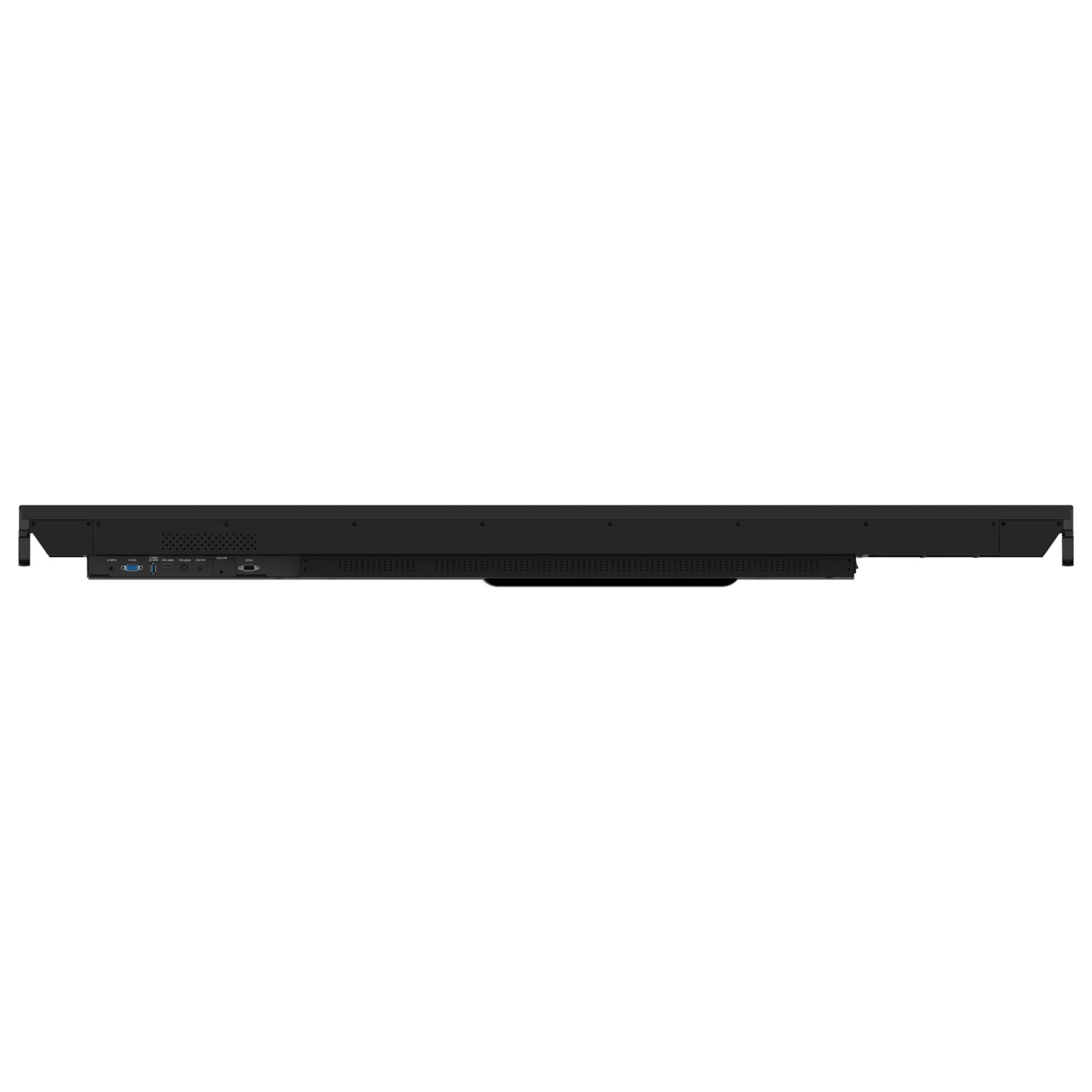
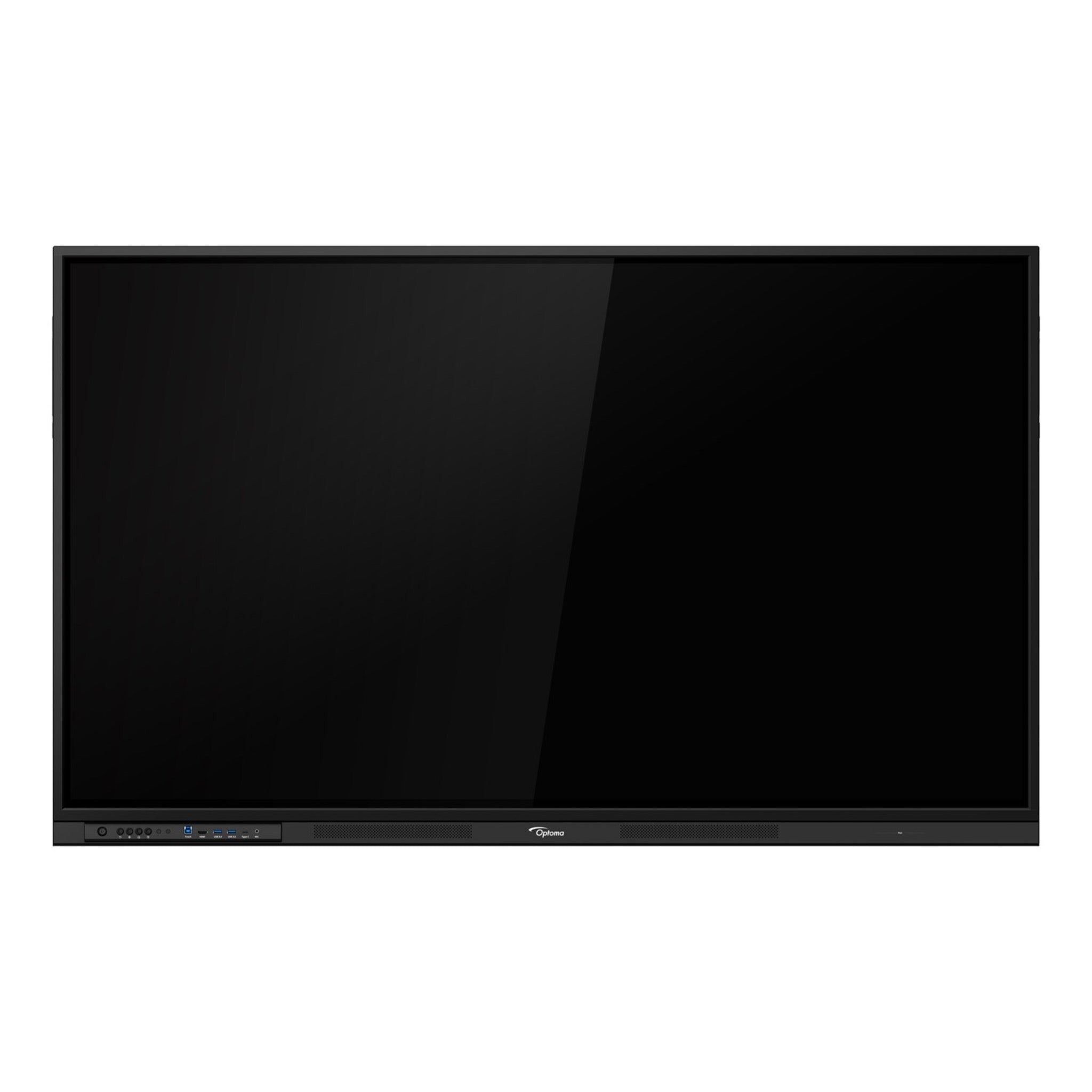
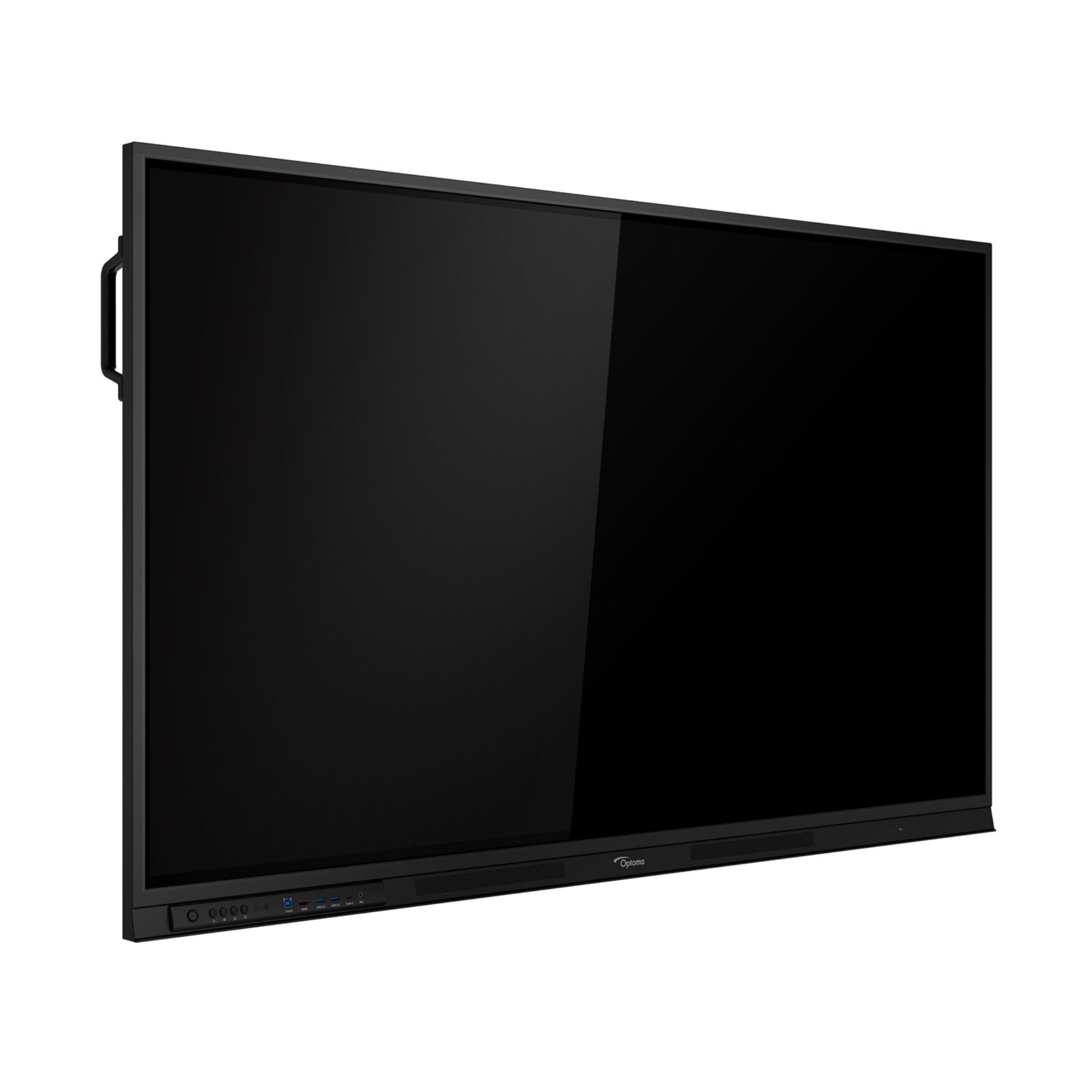
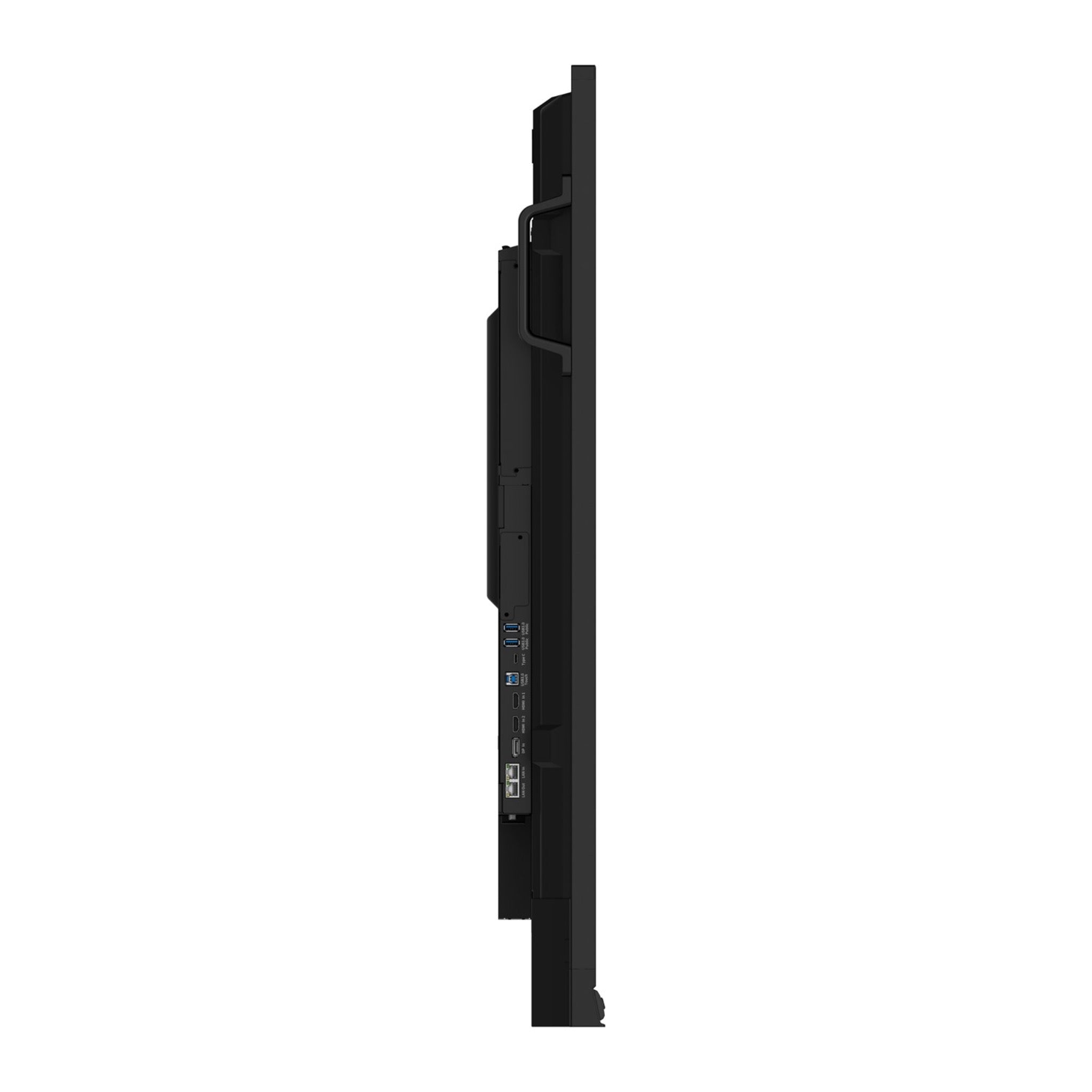
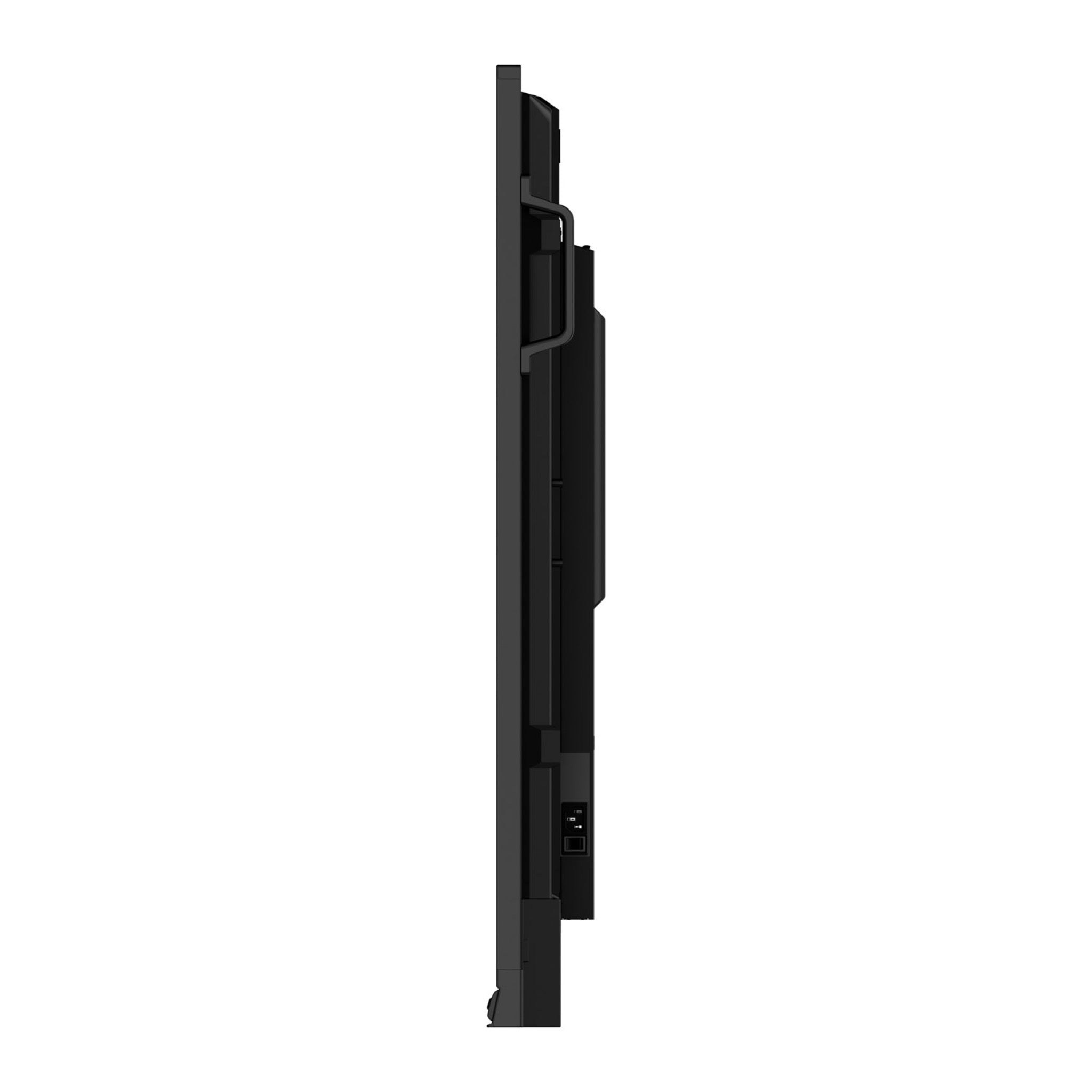
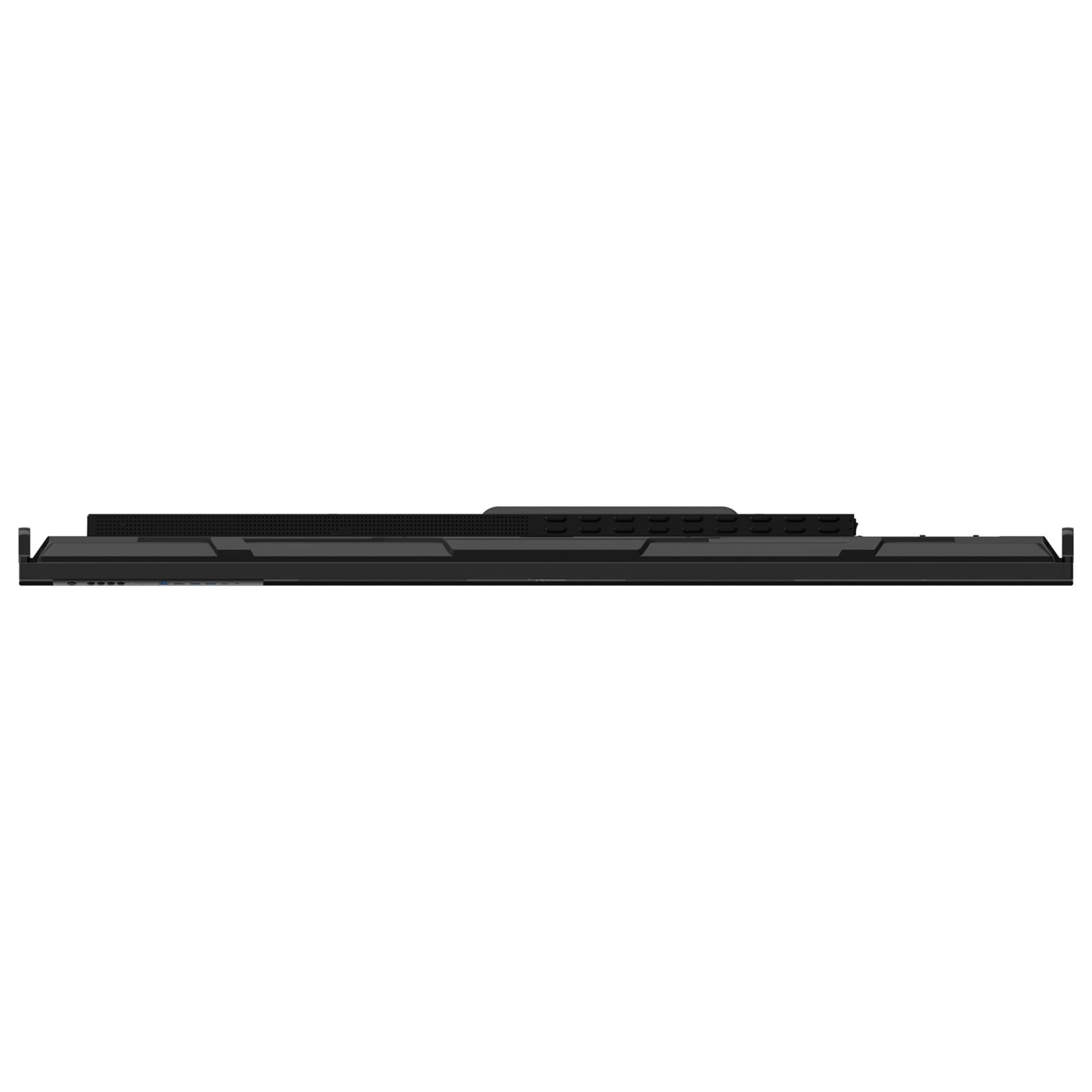
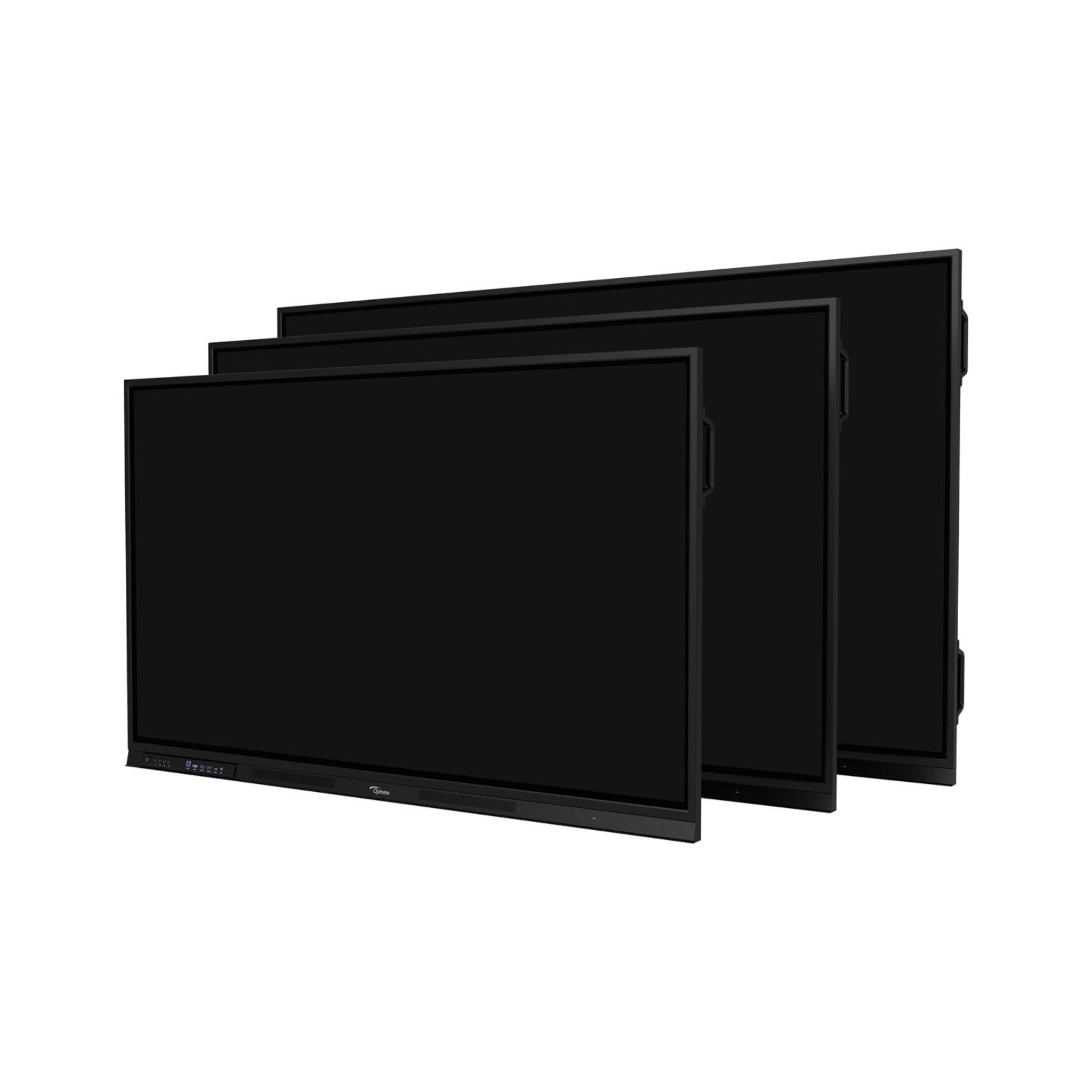



Optoma 3653RK Creative Touch 3 Series 65" interactive Display
Got Questions?
Email: support@simulatordirect.com
Phone: (714) 202-9416
Choose options
- Description
- Product Features
- What's Included
- Product Specifications
- Getting Started Guide
- Product Installation Guide
- FAQ's
- Shipping/Returns & Warranty Policy
Optoma 3653RK Creative Touch 3 Series 65" Interactive Display
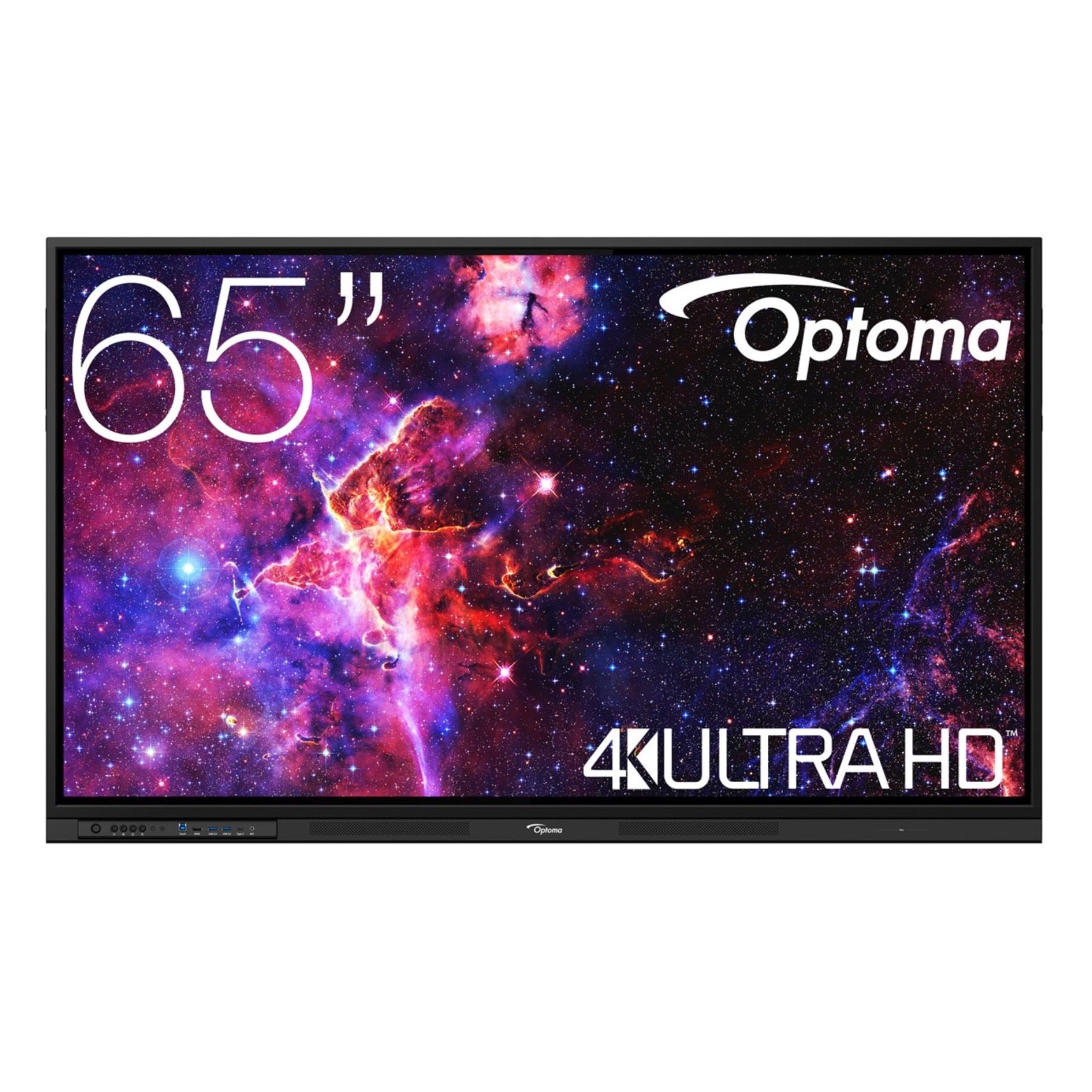
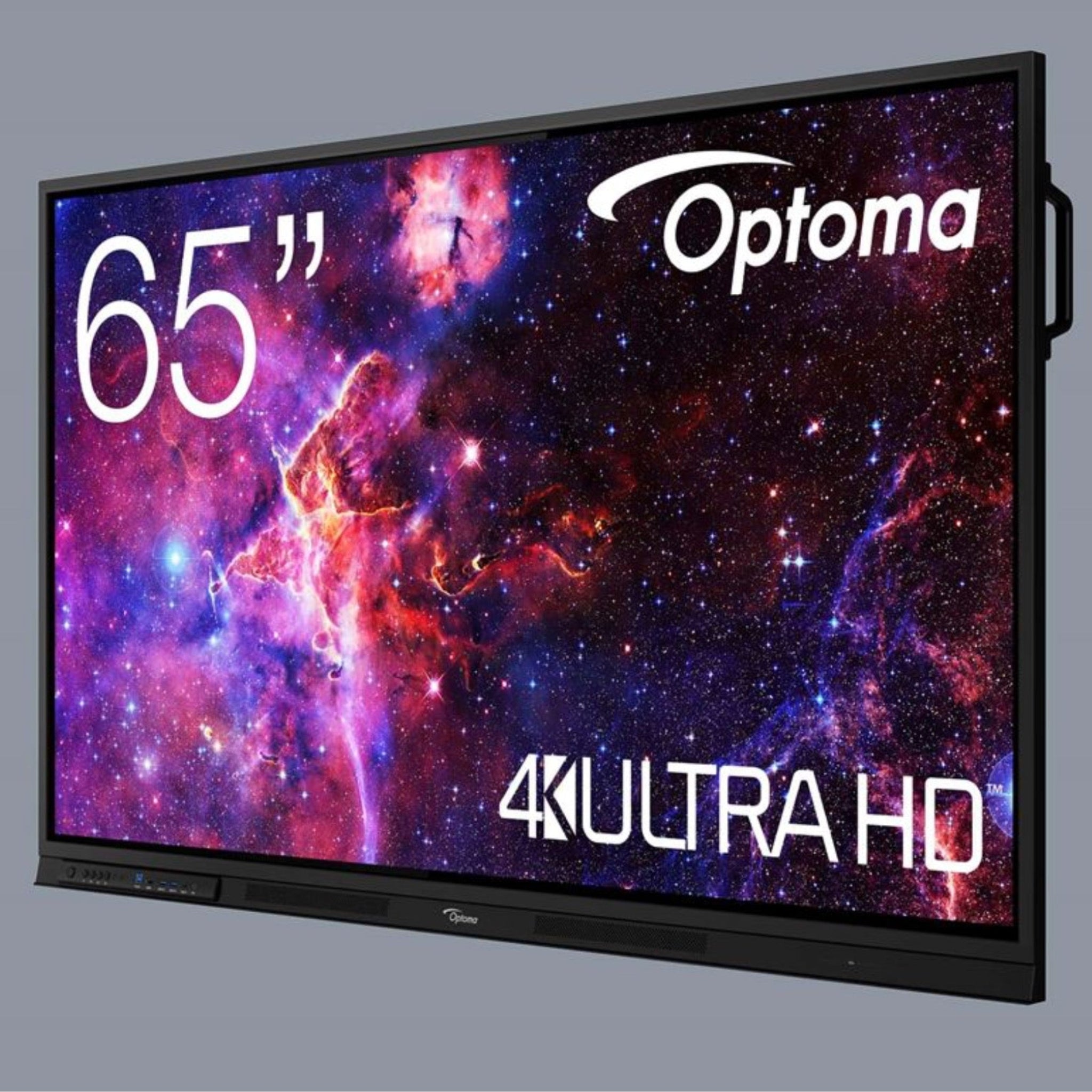
The Optoma 3653RK is a 65” 4K UHD interactive display that works perfectly as a side-mounted coaching screen in a golf simulator bay. Instead of replacing your impact-screen projector, this display can be mounted on a side wall or behind the hitting area to show shot data, ball and club metrics, swing video, coaching tools, and fitting dashboards.

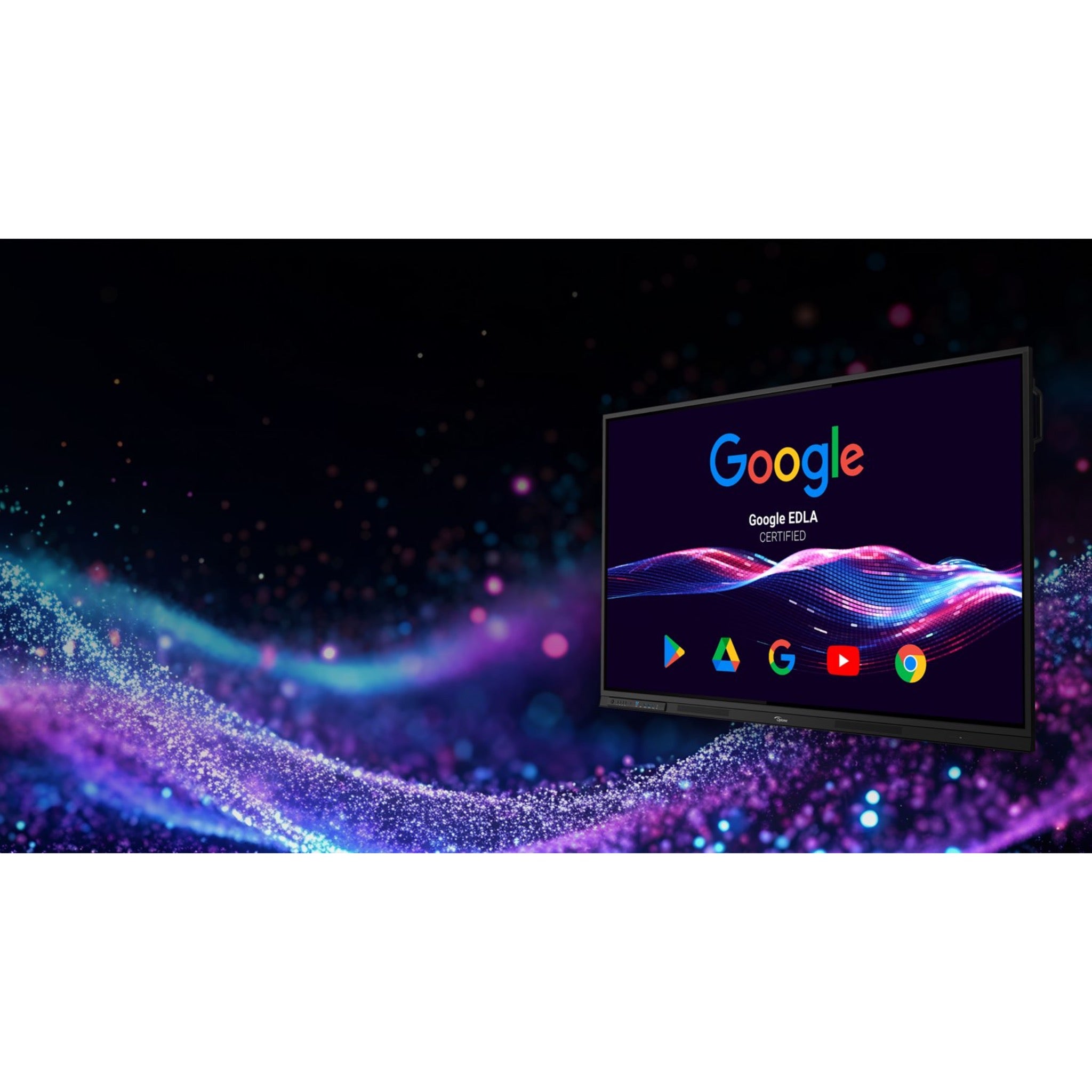
With a bright 4K panel, 450-nit brightness, anti-glare glass, and up to 40-point multi-touch, the 3653RK stays clear and easy to read under typical bay lighting. Built-in Android 14 and Google EDLA certification allow you to run supported apps, video tools, YouTube lessons, and cloud-based content directly on the display, or you can mirror/extend from your sim PC, launch monitor PC, or tablet.

For commercial studios, teaching bays, and fitters, the 3653RK adds a professional coaching station to the room. Show customers their launch monitor numbers, dispersion charts, and slow-motion swings on a dedicated touch-enabled display while keeping the impact screen focused on the course, driving range, or simulator environment.
Dual LAN, HDMI, USB-C, OPS slot support, and Optoma Management Suite compatibility make it easy to integrate into multi-bay facilities and manage displays remotely.

Product Features
| Feature | Golf-Specific Benefit |
|---|---|
| 65” 4K UHD Display | Large, ultra-clear coaching display for ball data, club data, swing video, fitting tools, and side-screen analysis. |
| High Brightness & Anti-Glare Glass | 450 cd/m² brightness and anti-glare, anti-fingerprint glass help keep data readable under overhead bay lights or ambient room light. |
| Multi-Touch & Pen Input | Up to 40-point touch lets coaches draw swing lines, annotate positions, compare frames, or navigate apps directly on the screen. |
| Android 14 + Google EDLA | Run supported apps, video tools, YouTube lesson content, and cloud files natively without needing a PC for basic use. |
| Flexible Connectivity | 3× HDMI, DisplayPort, USB-C, OPS slot, USB ports, dual LAN, and audio I/O make it easy to connect sim PCs, launch monitor PCs, cameras, and sound systems. |
| Wireless Screen Sharing | Use Display Share to cast from a tablet, phone, or laptop for quick access to fitting charts, web dashboards, or coaching notes. |
| Built-In Speakers | Dual 20W speakers provide clear audio for video lessons, commentary, presentations, or background media. |
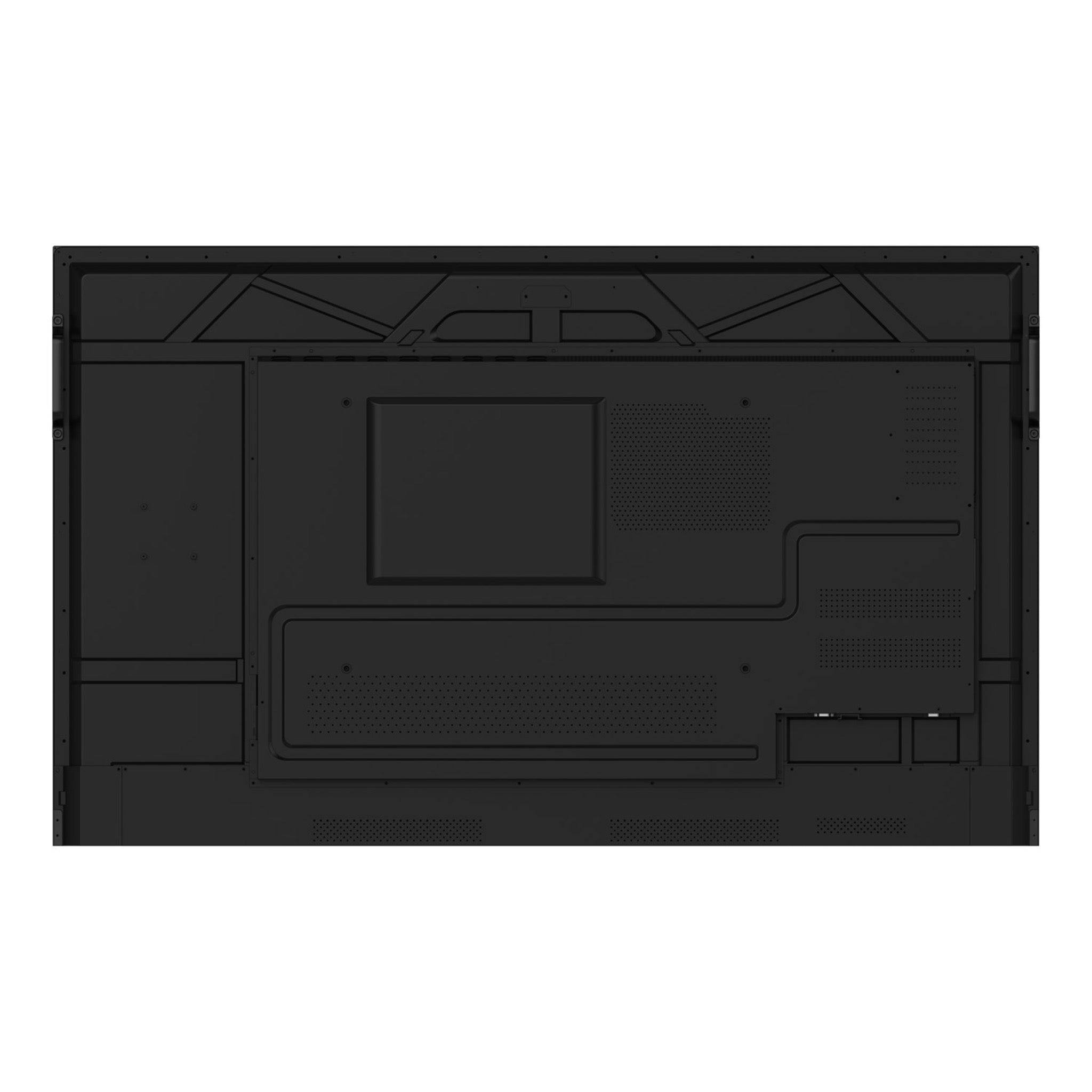
| Side-Wall or Rear Mounting | VESA 600×400 mount pattern works with compatible commercial wall mounts and carts, making it ideal for mounting near the hitting mat or behind the player. |
| Remote Management | Optoma Management Suite allows facilities to monitor, schedule, and broadcast messages across multiple simulator bays. |
| Commercial-Grade Design | 50,000-hour backlight life and a commercial interactive display design support frequent use in teaching studios and simulator lounges. |
What’s Included
- Optoma 3653RK 65” Creative Touch interactive display.
- Regional power cords (NA/EU/UK).
- USB touch cable.
- USB-C cable.
- HDMI cable.
- 2 × passive pens / stylus.
- Remote control + AAA batteries.
- Quick Start Guide.
Product Specifications
Display & Panel
| Category | Specification |
|---|---|
| Panel Type | Direct-type LED LCD |
| Diagonal Size | 65” (approx. 165 cm) |
| Native Resolution | 3840 × 2160 (4K UHD) |
| Aspect Ratio | 16:9 |
| Brightness | 450 cd/m² |
| Dynamic Contrast Ratio | 5,000:1 |
| Viewing Angle | 178° horizontal / vertical |
| Response Time | 6 ms grey-to-grey |
| Display Colors | 1.07 billion colors |
| Backlight Life | 50,000 hours typical |
| Glass | Anti-glare, anti-fingerprint tempered glass |
| Surface Hardness | 7H surface hardness, 9H pencil hardness |
| Haze | 25% haze to reduce reflections |
Touch & Onboard System
| Category | Specification |
|---|---|
| Touch Technology | Infrared (IR) multi-touch |
| Touch Points | Up to 40-point touch under Android / up to 50-point touch under Windows |
| Input Tools | Finger or passive pen (2 pens included) |
| Touch OS Compatibility | Windows 7/8/10/11, Mac, Linux, Android |
| Onboard OS | Android 14, Google EDLA certified |
| CPU | Octa-core SoC (4 × Cortex-A72 + 4 × Cortex-A53) |
| GPU | Mali-G52 MC3 |
| RAM | 8 GB |
| Internal Storage | 64 GB eMMC |
| Pre-Installed Suite | Optoma Solution Suite: Whiteboard, Display Share, File Manager, browser, and core utilities |
| App Ecosystem | Google Play Store access via EDLA |
Golf note: This allows you to run supported video-analysis apps, cloud drives, and YouTube coaching content directly on the display.
Video & Audio Connectivity
| Category | Ports / Details |
|---|---|
| HDMI Inputs | 3 × HDMI 2.0 |
| HDMI Output | 1 × HDMI 2.0 |
| DisplayPort | 1 × DisplayPort input |
| VGA | 1 × VGA input |
| USB-C | 2 × USB-C ports |
| USB-A | 1 × USB 2.0, 4 × USB 3.0 |
| USB-B Touch | 2 × USB-B upstream ports for touch feedback to external PCs |
| SD Card | 1 × SD card slot |
| Audio In | 1 × 3.5 mm line-in |
| Audio Out | 1 × 3.5 mm line-out, 1 × S/PDIF optical out |
| Microphone Input | 1 × 3.5 mm mic-in |
Golf note: In a simulator bay, you’ll typically use HDMI or DisplayPort plus USB-B/USB-C to connect your sim PC, cameras, or coaching workstation.
Control, Expansion & OPS
| Category | Specification |
|---|---|
| Control Ports | 1 × RS-232, USB service / maintenance |
| OPS Slot | 1 × OPS slot for pluggable PC (Windows OPS module not included) |
| Remote Control | IR remote with on-screen control of inputs, volume, and settings |
| Management | Compatible with Optoma Management Suite for remote monitoring, scheduling, and messaging across multiple bays |
Network & Wireless
| Category | Specification |
|---|---|
| Wired Networking | 2 × RJ45 LAN ports |
| Wireless | WiFi 6 and Bluetooth 5.2 available via optional AZ932-HNG module |
| Wireless Casting | Display Share supports wireless screen casting from Windows, macOS, iOS, Android, and Chrome devices over the local network |
Golf note: Wired LAN is ideal for simulator facilities, while WiFi casting is convenient for tablet or phone-based coaching apps.
Audio
| Category | Specification |
|---|---|
| Internal Speakers | 2 × 20W front-facing speakers (40W total) |
| Audio Output | Can output to external soundbar / AV system via 3.5 mm or S/PDIF |
Physical & Mounting
| Category | Specification |
|---|---|
| Dimensions (W × D × H) | Approx. 58.39” × 4.37” × 35.51” |
| Net Weight | Approx. 76.1 lb |
| Bezel Width | Approx. 28.6 mm on top/left/right, slightly larger bottom bezel |
| VESA Mount Pattern | 600 × 400 mm |
| Mounting Screw Spec | M8 × 25 mm screws. Do not use longer screws. |
| Orientation | Landscape orientation |
Golf note: For a side-wall coaching display, most builders mount the center of the screen approximately 52”–60” from the floor, depending on golfer height and whether juniors will be using it.
Power & Energy
| Category | Specification |
|---|---|
| Power Supply | 100–240V AC, 50/60Hz, approx. 3.5A |
| Max Power Consumption | 200W full load |
| Typical Consumption | Approx. 141.9W typical |
| ENERGY STAR Power | Approx. 106W ENERGY STAR mode |
| Standby Power | ≤ 0.5W |
Environmental & Reliability
| Category | Specification |
|---|---|
| Operating Temperature | Up to 40°C / 104°F |
| Backlight Life | 50,000 hours typical |
| Certifications | ENERGY STAR, Google EDLA certified platform, safety and EMC certifications per region |
Getting Started Guide
-
Decide the screen’s role.
- Use it as a coaching and data display on a side wall near the hitting mat, or behind the player so it is visible after each shot.
- Your main impact-screen viewing is still best handled by a projector and impact screen.
-
Choose the mounting location.
- On a side wall, mount the center of the screen roughly at eye level when standing on the hitting mat.
- Keep the panel out of the swing path and away from direct ball strikes.
-
Connect to your sim PC.
- Run an HDMI or DisplayPort cable from the sim PC’s second output to the Optoma display.
- In Windows, set the Optoma as an extended display for data/coaching apps, or as a mirrored display if you want the same content as the projector.
-
Add touch control if desired.
- Connect the USB touch cable between the PC and the display if you want to control sim software, coaching tools, or drawing apps directly on the panel.
-
Load your golf tools.
- Open your launch monitor software, video analysis apps, web coaching tools, YouTube lessons, or practice dashboards.
-
Fine-tune picture for the room.
- Reduce direct spotlight reflections and adjust brightness/contrast so yardages, spin, and launch data are easy to read.
-
Set up for lessons and fittings.
- Use the impact screen for the course or range view while the 3653RK shows numbers, dispersion, swing video, or fitting tools.
Product Installation Guide
-
Wall mount or cart setup.
- For fixed simulator rooms, wall-mount the display on a properly supported studded wall near the hitting mat.
- For multi-use rooms or studios, use a compatible rolling cart for mobility.
-
Plan cable management.
- Route HDMI, USB, and power cables through raceways or along baseboards so they do not cross the hitting area.
- Keep cables away from walking paths, swing paths, and ball-strike areas.
-
Set up network and wireless options.
- Use wired LAN for simulator facilities with multiple bays to improve stability for updates, casting, and remote management.
- Add WiFi if you plan to cast from tablets or phones frequently.
-
Protect the display in golf environments.
- The glass is durable, but the panel is not designed to be hit by golf balls.
- If the display is near the enclosure or hitting area, consider safety netting, padding, or an offset mounting location.
Manual
CAD
Datasheets
Brochures
Frequently Asked Questions
Shipping / Returns & Warranty Policy: Optoma
Shipping Policy
Simulator Direct processes and ships Optoma orders using trusted parcel and freight carriers to help ensure reliable delivery and product protection. Most Optoma products ship directly from Optoma’s U.S. distribution partners.
Shipping Methods & Charges
- Optoma products typically ship via FedEx Ground within the contiguous United States.
- Larger displays or multi-unit orders may ship via freight carriers.
- All shipping costs, including any required signature fee, are calculated based on destination, order size, and shipping method.
- These charges are clearly displayed in your cart and at checkout before you place your order.
- From time to time, qualifying Optoma orders may be eligible for free standard ground shipping.
- This may apply to certain high-value orders or specific interactive/commercial display panels.
- When free shipping is available, it will be clearly indicated on the product page and/or at checkout.
- Unless Free Shipping is explicitly shown at checkout for your address, standard shipping rates apply.
- Free shipping, when offered, is limited to the contiguous United States.
- Free shipping does not apply to Alaska, Hawaii, U.S. territories, or international destinations.
Lead Time & Processing
- Most Optoma orders are released to the warehouse and prepared for shipment within 1–3 business days, subject to product availability and order volume.
- Once shipped, typical FedEx Ground transit times within the contiguous United States are approximately 3–5 business days.
- Freight shipments may take slightly longer.
- All delivery times are estimates only.
- Actual transit times may vary due to carrier routing, weather, seasonal volume, or other factors outside our control.
- Tracking details will be provided by email once your order has shipped so you can monitor its progress.
Freight Deliveries & Special Services
- Larger or heavier Optoma products may ship on pallets via freight carriers.
- Freight deliveries are typically made to a commercial loading dock or curbside at residential addresses.
- If you require services such as lift gate, inside delivery, or a scheduled appointment, please contact support@simulatordirect.com before placing your order.
- This allows us to provide a quote and set expectations for delivery.
Return Policy
We want you to be satisfied with your Optoma purchase. Because Optoma products are electronics covered by the manufacturer’s Limited Warranty, returns and exchanges are subject to specific guidelines.
Eligibility
- Returns must be requested within 30 days of delivery.
- Items must be unused, in their original packaging, and in resellable condition.
- All returns must receive written authorization from Simulator Direct before being shipped back.
- Unauthorized returns may be refused or subject to additional fees.
- For non-defective Optoma items, returns are generally limited to unopened, unused products in factory-sealed packaging.
- Open-box returns may not be accepted or may incur higher restocking fees, depending on inspection and manufacturer approval.
Return Shipping & Restocking
- Return shipping costs for non-defective Optoma products are the responsibility of the customer.
- Non-defective returns may be subject to restocking fees of up to 35% of the product price, depending on condition and manufacturer requirements.
- Any applicable restocking fee for an Optoma return will be disclosed at the time return authorization is granted.
- High-value orders are processed shortly after purchase.
- Cancellations must be requested promptly to help avoid processing fees.
Defective or Dead-on-Arrival Items
- If your Optoma product arrives defective, dead on arrival, or damaged in transit, please contact support@simulatordirect.com as soon as possible.
- Please report the issue ideally within 7 days of delivery.
- Include your order number and photos of the issue and packaging.
- We will assist with troubleshooting and coordinate next steps with Optoma.
- Approved defective or DOA units are generally repaired or replaced under Optoma’s Limited Warranty rather than refunded.
- Warranty shipping responsibilities and service options follow Optoma’s published warranty terms.
Non-Returnable Items
- Special-order Optoma configurations.
- Products identified as non-returnable on the product page.
- Items that have been installed, heavily used, or modified.
- Products that do not qualify for standard returns may only qualify for warranty service, repair, or replacement where applicable.
Return Process
- Email support@simulatordirect.com with your order number, a description of the issue, and photos if the item is damaged.
- Wait for written authorization and return instructions.
- If approved, ship the product using the provided instructions.
- Product must be packed in original or equivalent protective packaging.
- All accessories and documentation must be included.
- Once the item is received, inspected, and approved by the supplier or manufacturer, any applicable refund will be processed to the original payment method.
- Refund timing is typically within 7–20 business days, depending on manufacturer processing times.
Order Changes & Cancellations
- If you need to change or cancel an Optoma order, please contact support@simulatordirect.com as soon as possible.
- Orders that have not yet entered processing or shipment may be adjusted or cancelled at no charge.
- Once an order has been processed, allocated, or shipped, changes or cancellations are no longer guaranteed.
- If fulfilled, the order will be handled under the standard return policy.
- Special-order Optoma products may be subject to cancellation fees if cancelled after the supplier has reserved or shipped stock on your behalf.
- Any such fees will be disclosed before we finalize the cancellation.
Warranty & Replacements
Optoma Limited Warranty
Optoma products purchased through Simulator Direct are covered by Optoma’s official Limited Warranty for products sold in the United States and Canada. Warranty length and coverage vary by product category.
- Some projectors and displays may include different parts-and-labor and light-source coverage.
- For the exact warranty term that applies to your specific model, please refer to:
- The warranty card or documentation included with your product.
- The product page on Optoma’s website.
- Optoma’s Limited Warranty page at support.optomausa.com.
Warranty Service & Shipping
- If your Optoma product appears to be defective during the warranty period, contact Simulator Direct or Optoma End User Support to begin a warranty claim.
- Optoma will determine eligibility for repair, replacement, on-site service, or advanced replacement, as applicable under their policy.
- Once Optoma approves a warranty claim, they will issue return instructions and an RMA (Return Merchandise Authorization) if needed.
- Products returned under warranty must be properly packaged and include:
- All required accessories.
- All required documentation.
- Proof of purchase.
Optoma U.S. Warranty Shipping Terms
- For eligible warranty claims within 30 days of purchase, Optoma typically covers two-way shipping for warranty service.
- For eligible warranty claims after 30 days of purchase, Optoma typically covers one-way shipping, with the customer responsible for the other leg of transit.
- Any advanced replacement or expedited shipping options, when available, are offered at Optoma’s discretion and may be subject to additional terms or fees.
What the Warranty Covers
- During the applicable warranty period and under normal use, Optoma will, at its option, repair or replace products or components found to be defective in materials or workmanship.
- Replacement units or parts may be new, refurbished, or re-manufactured, consistent with Optoma’s standard practices.
The warranty does not cover:
- Normal wear and tear.
- Damage from misuse or improper installation.
- Cosmetic damage.
- Damage caused by non-Optoma accessories or modifications.
- Damage resulting from environmental conditions or power issues outside the specifications listed in the product documentation.
Post-Warranty Service
- If your Optoma product requires service after the warranty period expires, Optoma or its authorized service centers may offer paid repair options.
- In post-warranty cases, the customer is responsible for all parts, labor, and shipping costs.
- If you have questions about whether your issue is covered under warranty, or need help starting a claim, please contact support@simulatordirect.com.
- We will assist you in coordinating with Optoma Support.

Newsletter
Exclusive Updates. Delivered Before Anyone Else.