
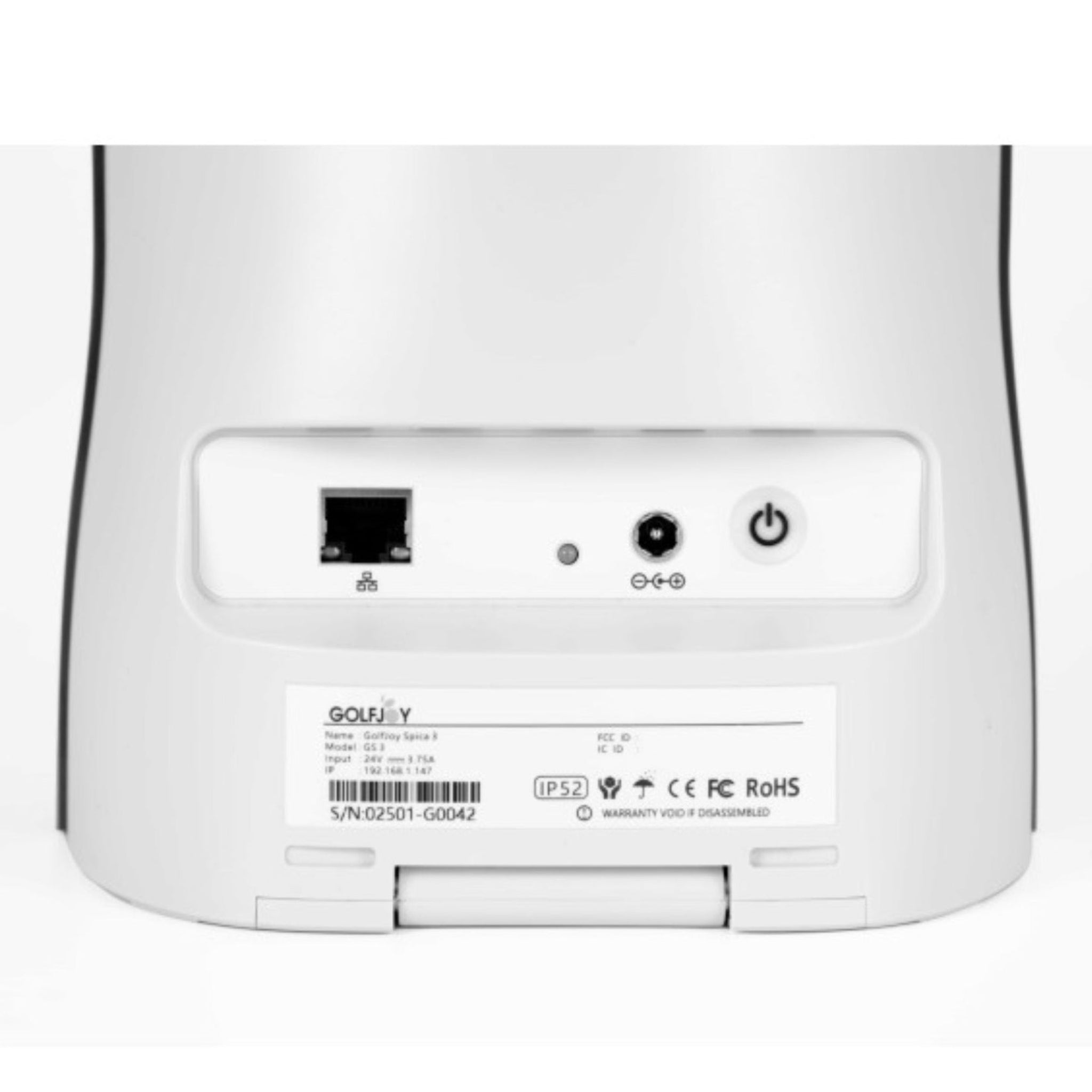
GOLFJOY Spica 3 Launch Monitor
Got Questions?
Email: support@simulatordirect.com
Phone: (714) 202-9416
Choose options
- Description
- Product Features
- What’s Included
- Product Specifications
- Getting Started Guide
- Shipping, Returns & Support Notes
- FAQ's
GOLFJOY Spica 3 Launch Monitor
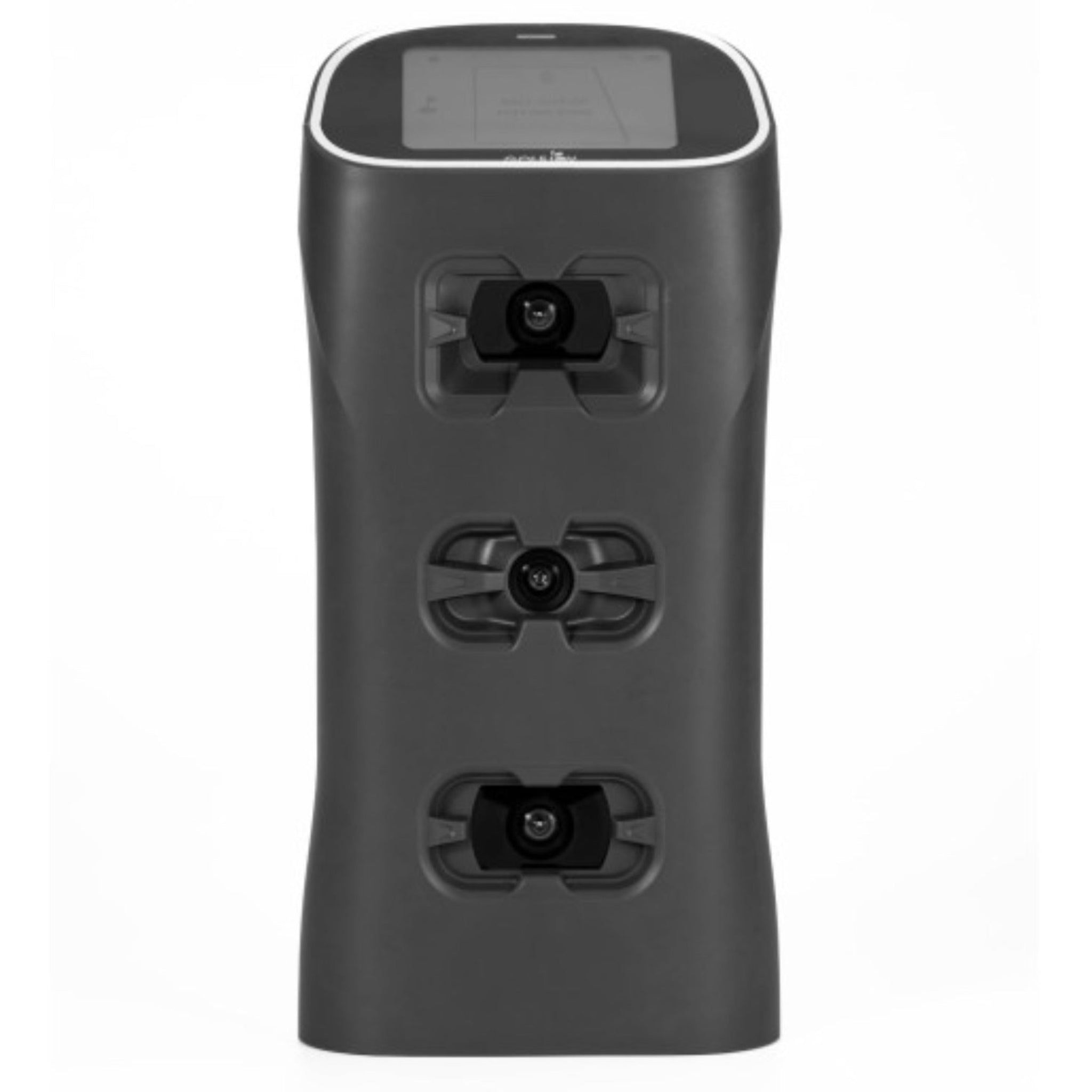
The GOLFJOY Spica 3 is a portable ground-based golf launch monitor built for golfers who want detailed swing and ball data without being locked into one permanent setup. Using a triple-camera tracking system with AI-assisted analysis, the Spica 3 captures key club, ball, and shot information so you can practice with more confidence indoors, outdoors, at the range, or in a simulator bay.
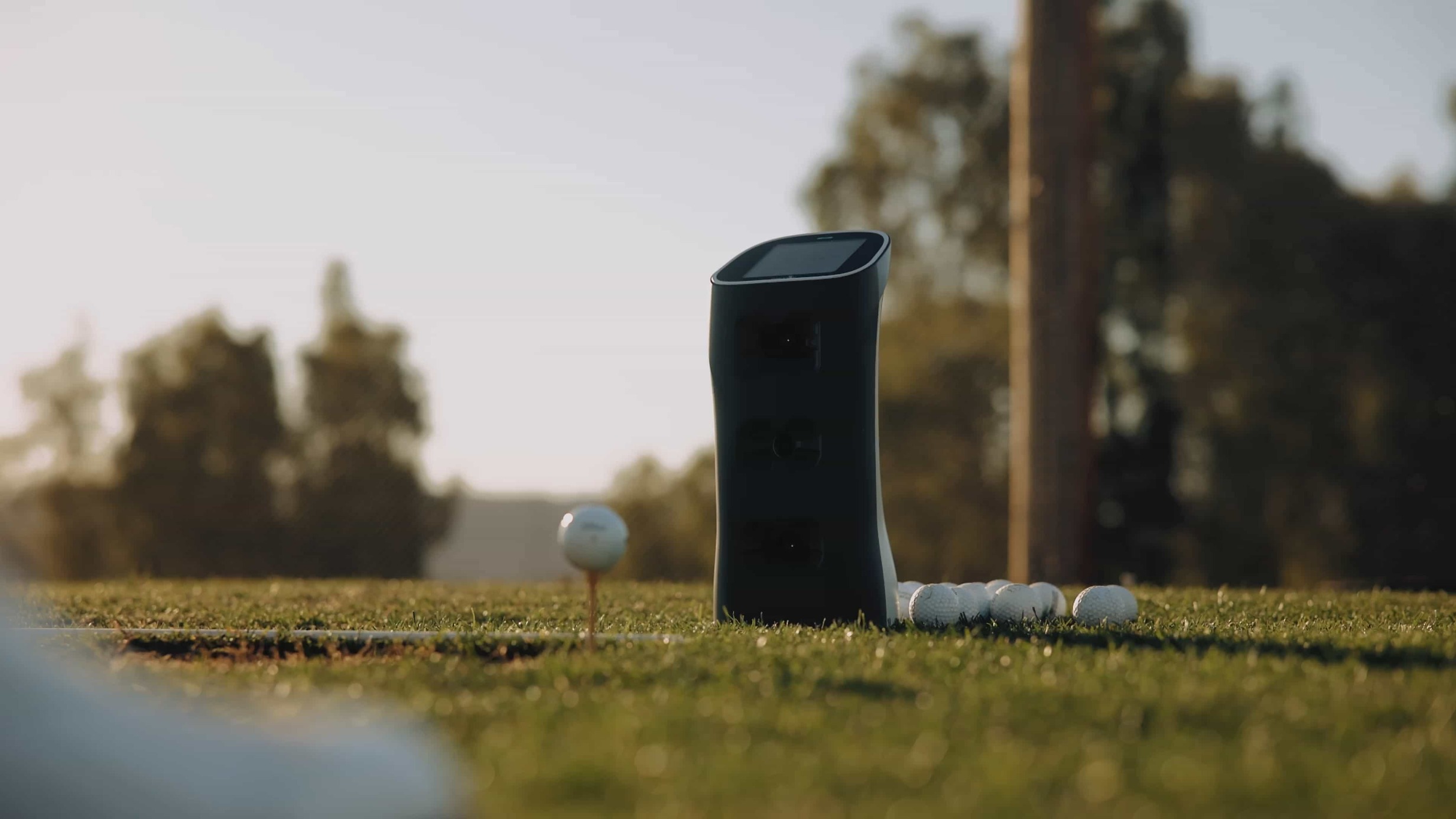
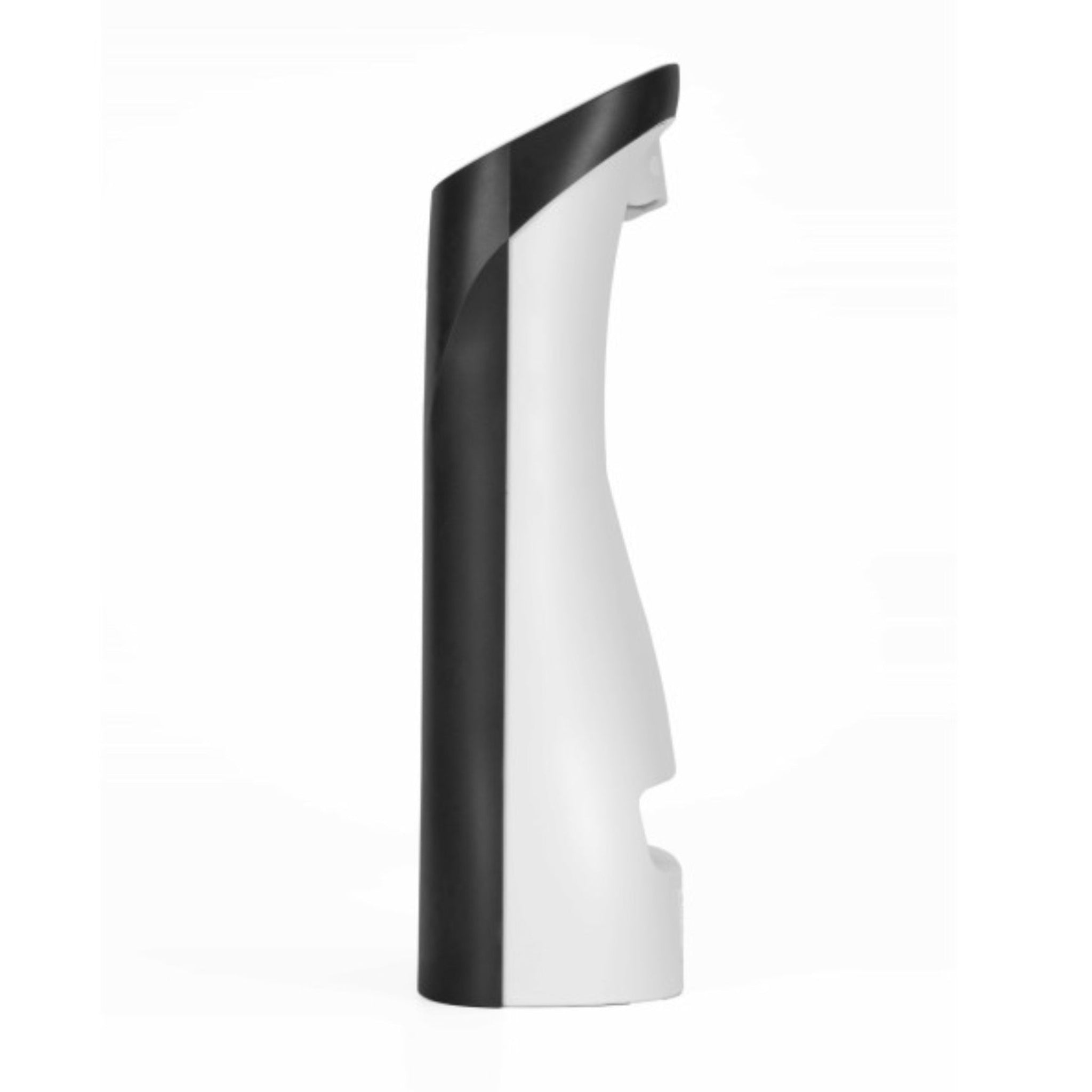
Compact, durable, and easy to move, the Spica 3 is ideal for golfers who want a launch monitor that can work in a home simulator, coaching studio, or outdoor practice environment. It provides data from a side-mounted ground position next to the hitting area, giving players the flexibility to train without using marked balls.
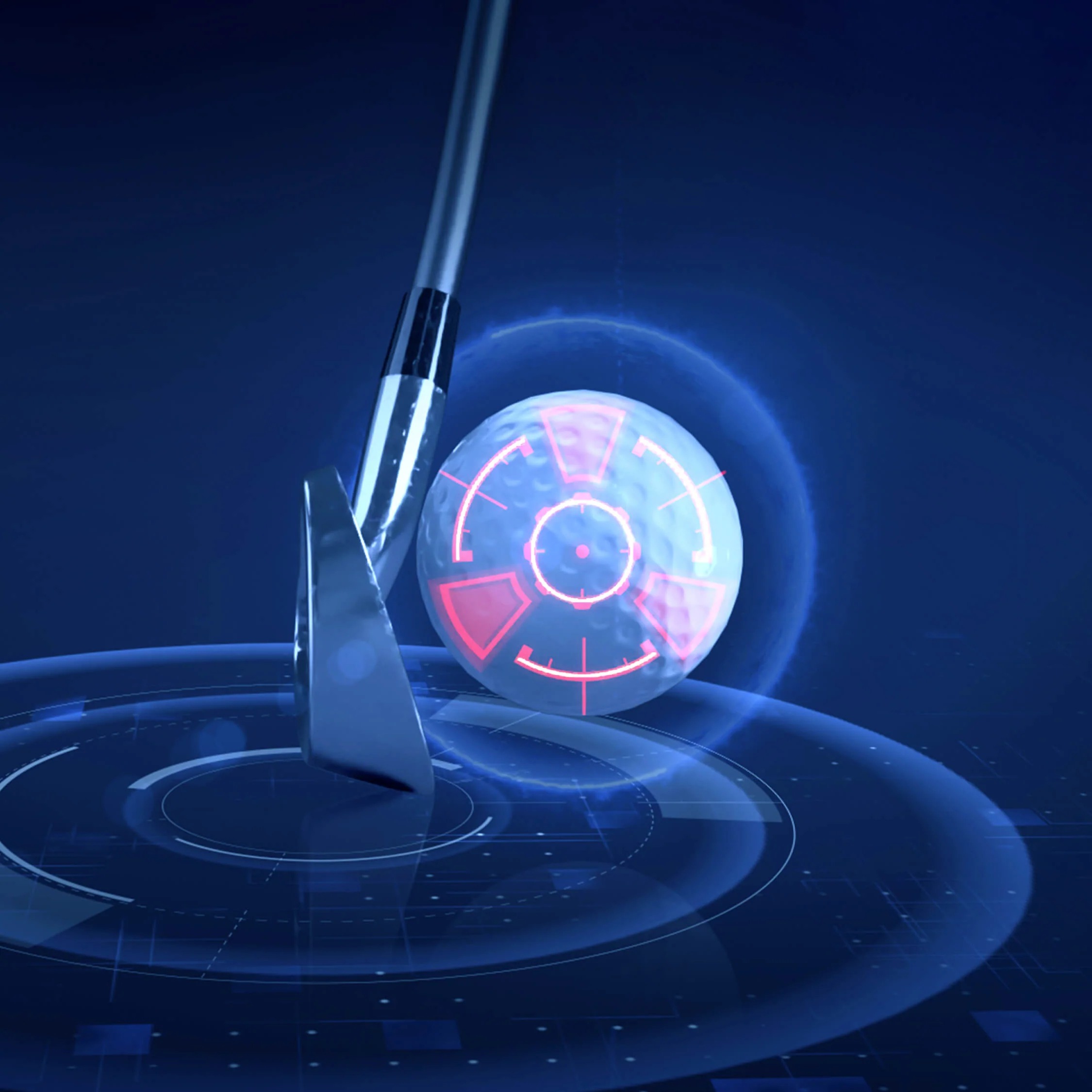
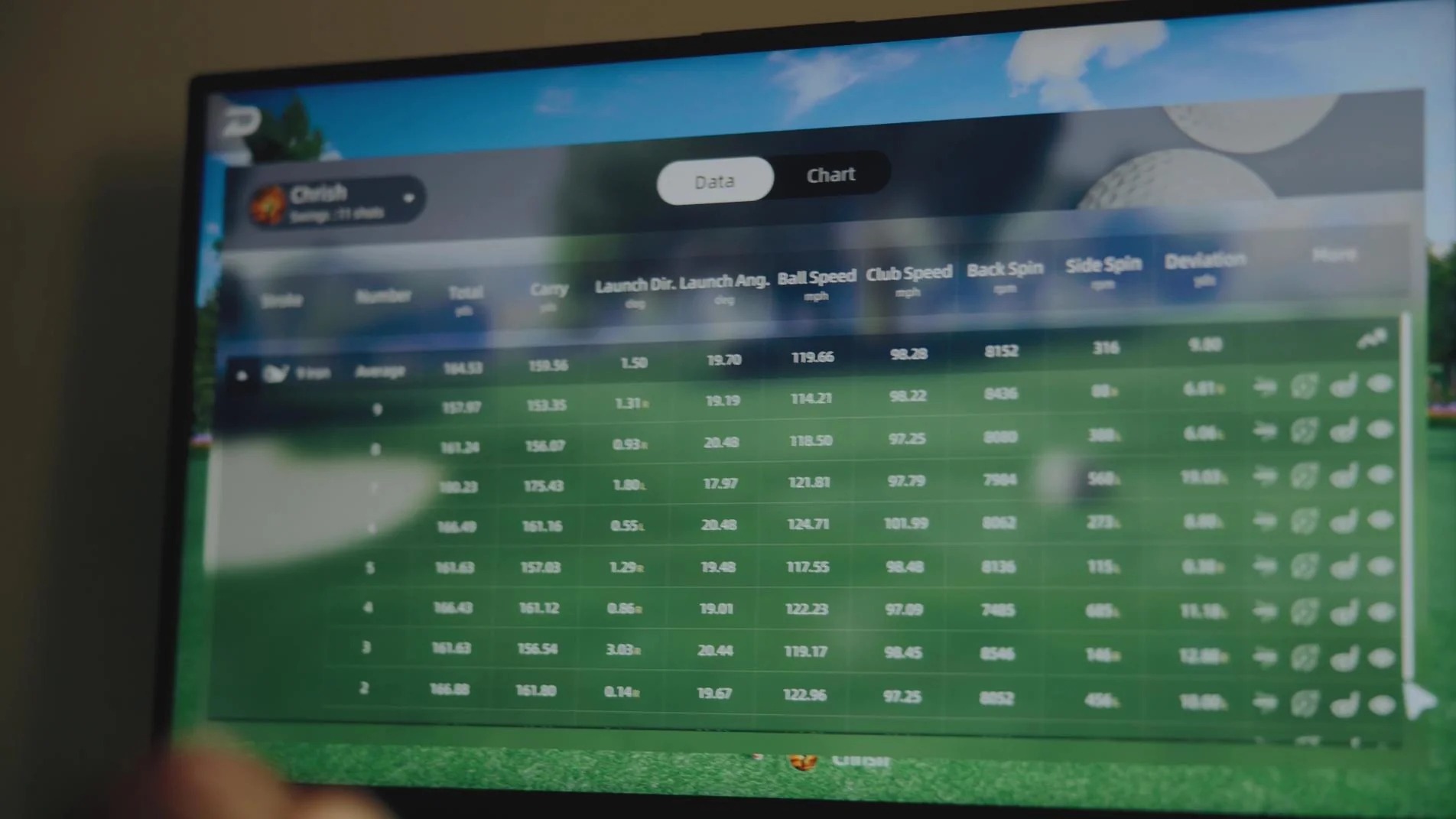
The Spica 3 measures up to 27 ball, club, and trajectory data points, including club speed, club path, attack angle, ball speed, back spin, side spin, launch angle, carry, roll, total distance, apex, deviation, and more. Club stickers are required for club metric tracking, while ball metrics can be captured using standard unmarked golf balls.
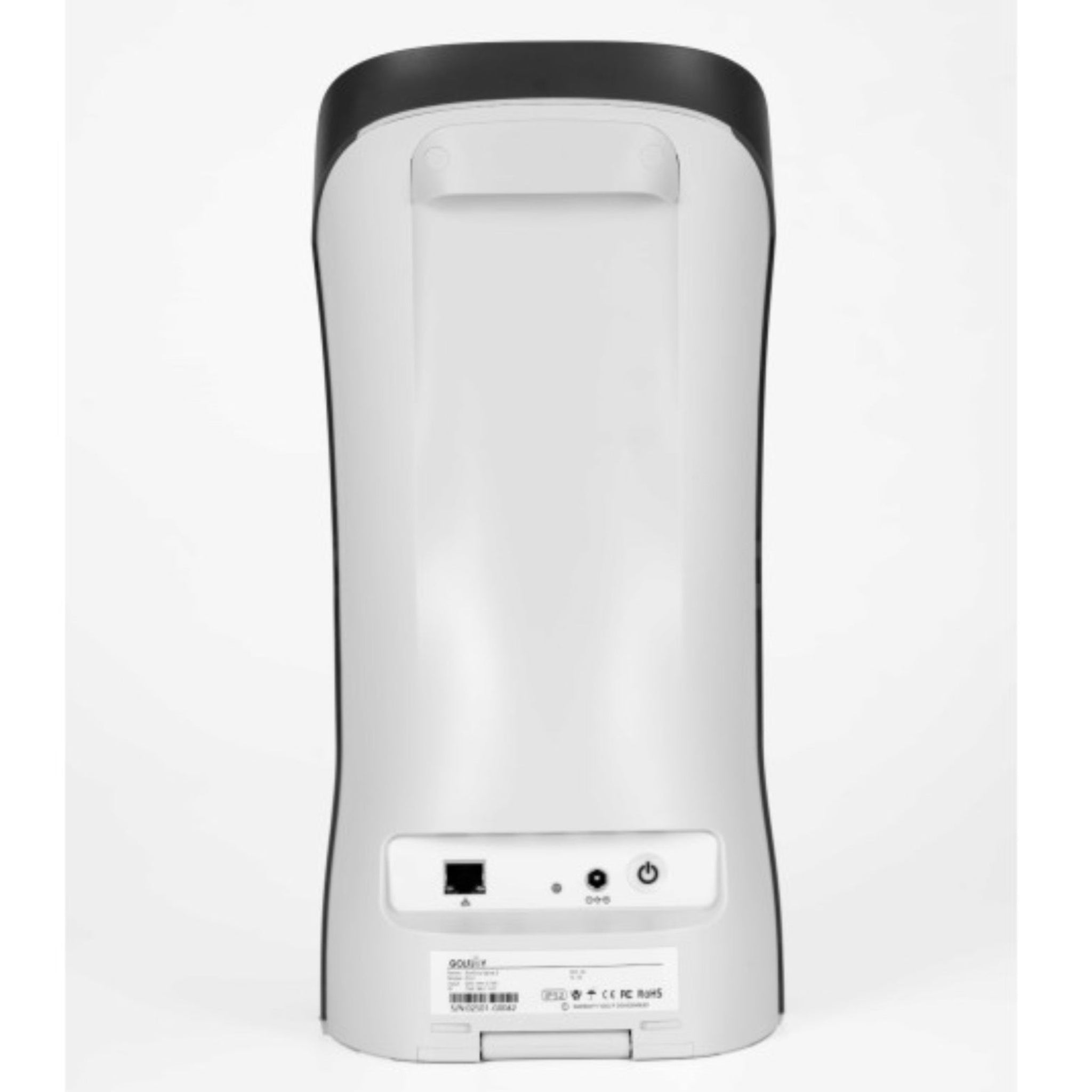
For simulator play, the Spica 3 works with GOLFJOY software and is also compatible with third-party platforms such as GSPro, E6, and Creative Golf. It can connect by WiFi or Ethernet, and for PC use, a wired Ethernet connection is required.
Product Features
| Feature | Benefit |
|---|---|
| Triple-Camera Tracking | Three high-speed cameras capture club, ball, and launch conditions for detailed shot analysis. |
| AI-Assisted Data Analysis | Built-in analysis helps process swing and shot data quickly so golfers can make adjustments with confidence. |
| Up to 27 Data Points | Tracks a wide range of ball, club, and trajectory metrics for practice, lessons, fittings, and simulator play. |
| Portable Ground Unit | Side-mounted ground placement makes it easy to move between indoor simulator bays and outdoor practice sessions. |
| No Marked Balls Required | Ball metrics can be captured using standard golf balls, making range and home practice more convenient. |
| Club Data with Stickers | Included club stickers allow the unit to capture club metrics such as club speed, club path, attack angle, and smash factor. |
| Indoor and Outdoor Use | Designed for simulator rooms, home practice spaces, coaching environments, and outdoor range sessions. |
| WiFi and Ethernet Connectivity | Supports wireless connection for GOLFJOY apps and Ethernet connection for PC-based simulator setups. |
| Third-Party Software Compatibility | Compatible with GOLFJOY software, GSPro, E6, and Creative Golf for flexible simulator options. |
| Rechargeable Battery | Battery life of approximately 6.5 to 7.5 hours supports extended practice sessions before recharging. |
What’s Included
- GOLFJOY Spica 3 Launch Monitor.
- GOLFJOY software trial access for 1 month.
- Backpack for the Spica 3.
- Rubber golf tees.
- Cleaning cloth.
- Brush.
- Power cable, adapter, and connector.
- Ethernet LAN cable.
- 100 club stickers.
Product Specifications
Launch Monitor Overview
| Category | Specification |
|---|---|
| Product Type | Portable ground-based launch monitor |
| Tracking System | Triple-camera optical tracking with AI-assisted analysis |
| Placement | Side ground-mounted next to the hitting area |
| Use Environment | Indoor and outdoor use |
| Marked Balls Required | No marked balls required for ball metrics |
| Club Stickers Required | Yes, for club metric tracking |
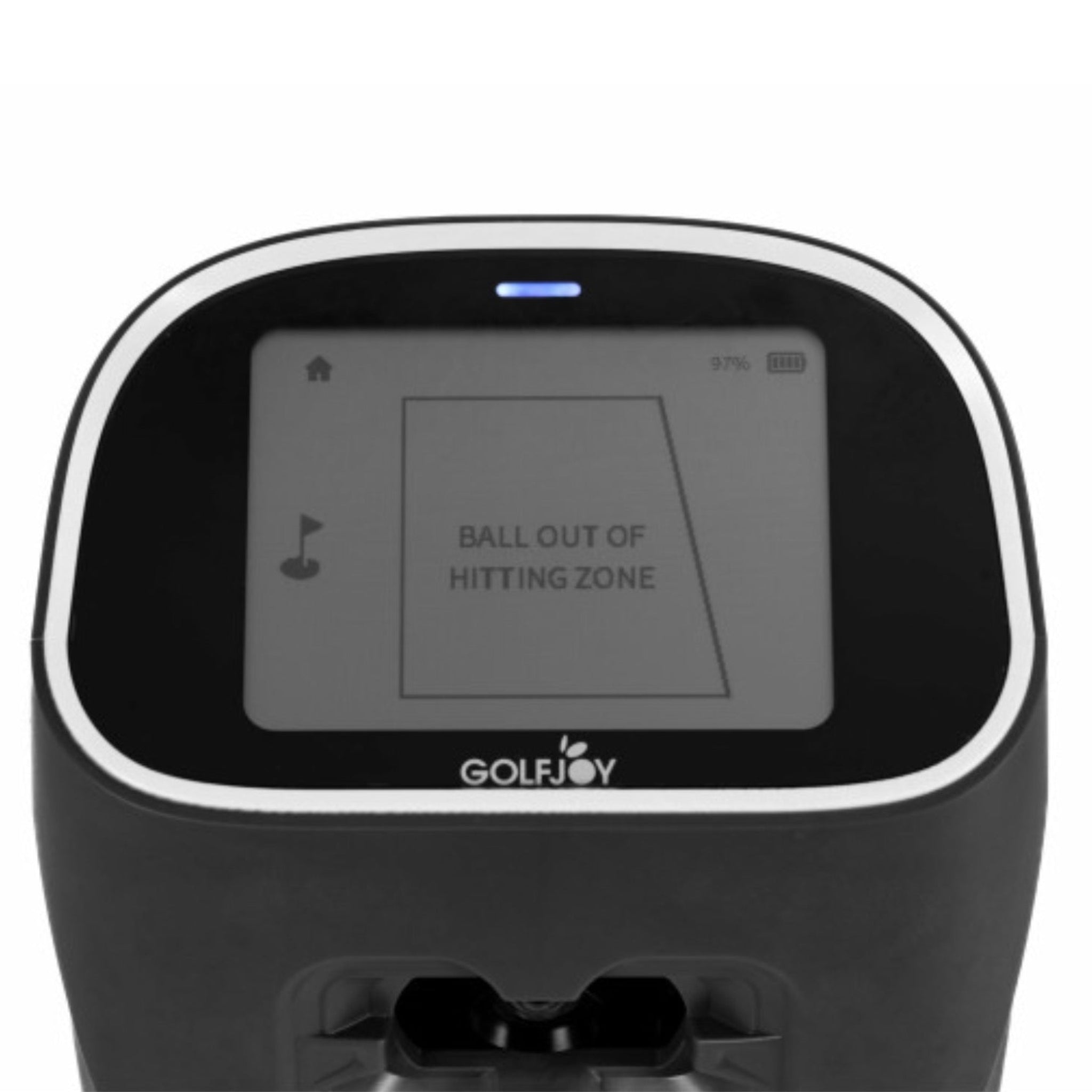
| Hitting Zone | Approx. 10” × 10” |
| Connection | WiFi and Ethernet |
| Battery Life | Approx. 6.5 to 7.5 hours |
| Charging Time | Approx. 4 hours |
| Dimensions | 13.39” H × 6.42” W × 3.90” D |
| Weight | 6.61 lb / 3 kg |
Ball Data
| Metric Type | Tracked Data |
|---|---|
| Ball Metrics | Ball speed, back spin, side spin, spin rate, spin axis, launch direction, launch angle |
Club Data
| Metric Type | Tracked Data |
|---|---|
| Club Metrics | Club speed, club path, attack angle, smash factor |
Club stickers are required for club data tracking.
Trajectory Data
| Metric Type | Tracked Data |
|---|---|
| Shot & Trajectory Metrics | Total distance, roll distance, gap, deviation, center line, target line center, curve, apex, landing angle, hang time, side carry, curve carry, carry percentage, roll percentage, deviation angle |
Software Compatibility
| Software | Compatibility Notes |
|---|---|
| GOLFJOY Space App | Wireless connection supported |
| GOLFJOY PRO App | Wireless connection supported |
| GSPro | Compatible |
| E6 | Compatible |
| Creative Golf | Compatible |
PC Requirements
| Component | Recommended Requirement |
|---|---|
| Operating System | 64-bit Windows 10 or higher |
| Processor | Intel i5-10600 or higher recommended |
| Graphics Card | NVIDIA GeForce RTX 3050 or higher recommended. AMD GPUs are not supported. |
| Memory | Minimum 16 GB system RAM |
| PC Connection | Wired Ethernet connection required when connecting the unit to a PC |
Room Recommendations
| Category | Recommendation |
|---|---|
| Indoor Hitting Distance | Plan for at least 10’ from the hitting position to the screen or net. |
| Ceiling Height | Approximately 10’ is recommended when possible for comfortable indoor swings. |
| Shipping Area | GOLFJOY products ship to U.S. addresses only. |
Getting Started Guide
-
Choose your practice location.
- Use the Spica 3 indoors in a simulator bay or outdoors at the range.
- For indoor use, make sure you have safe swing clearance and enough hitting distance to your screen or net.
-
Place the launch monitor next to the hitting area.
- Set the unit on the ground beside the hitting zone, positioned according to the GOLFJOY setup instructions.
- Keep the hitting area clear and make sure the unit has an unobstructed view of the ball and club through impact.
-
Connect your device.
- Use WiFi for supported GOLFJOY app connections.
- Use the included Ethernet cable when connecting to a PC-based simulator setup.
-
Apply club stickers if tracking club data.
- Use the included club stickers when you want to measure club metrics such as club path, club speed, attack angle, and smash factor.
-
Launch your software.
- Open GOLFJOY software or a compatible platform such as GSPro, E6, or Creative Golf.
- Confirm the launch monitor is paired and ready before hitting full shots.
-
Hit test shots and verify data.
- Start with a few short shots, then progress to full swings once the unit is reading consistently.
- Check ball speed, launch angle, carry, spin, and other key data points to confirm setup accuracy.
Shipping, Returns & Support Notes
| Policy Area | Details |
|---|---|
| Manufacturer Direct Item | This product ships directly from the manufacturer. Manufacturer-direct items may ship separately from other items in the same order and are not eligible for expedited shipping. |
| Shipping | Ships to U.S. addresses only. Some manufacturer-direct items may ship from outside the U.S., and any duties, taxes, brokerage fees, clearance charges, or other import-related fees are the responsibility of the recipient if applicable. |
| Cancellations | If a manufacturer-direct order can be canceled after it has been placed, a 5% cancellation fee may apply. If the order can no longer be canceled, the item will follow the applicable return policy. |
| Returns | Returns are accepted on GOLFJOY products in like-new condition with all original components for up to 30 days from delivery. A return authorization is required before sending anything back. Manufacturer-direct return policies may vary by brand and item. |
| Restocking Fee | Manufacturer-direct items may be subject to a 15% restocking fee unless otherwise stated by the manufacturer or product-specific return policy. |
| Return Shipping | Customers are responsible for return shipping costs. |
| Support | We provide front-line product support and can help collect the necessary details if a technical issue needs further review. |
Frequently Asked Questions

Newsletter
Exclusive Updates. Delivered Before Anyone Else.